Portfolio

My work spans complex learning challenges, from building scalable training systems and blended learning journeys to creating targeted solutions for specific performance gaps. I combine thoughtful learning design with strong visual execution, using learner insights and performance data to guide decisions and measure what works.

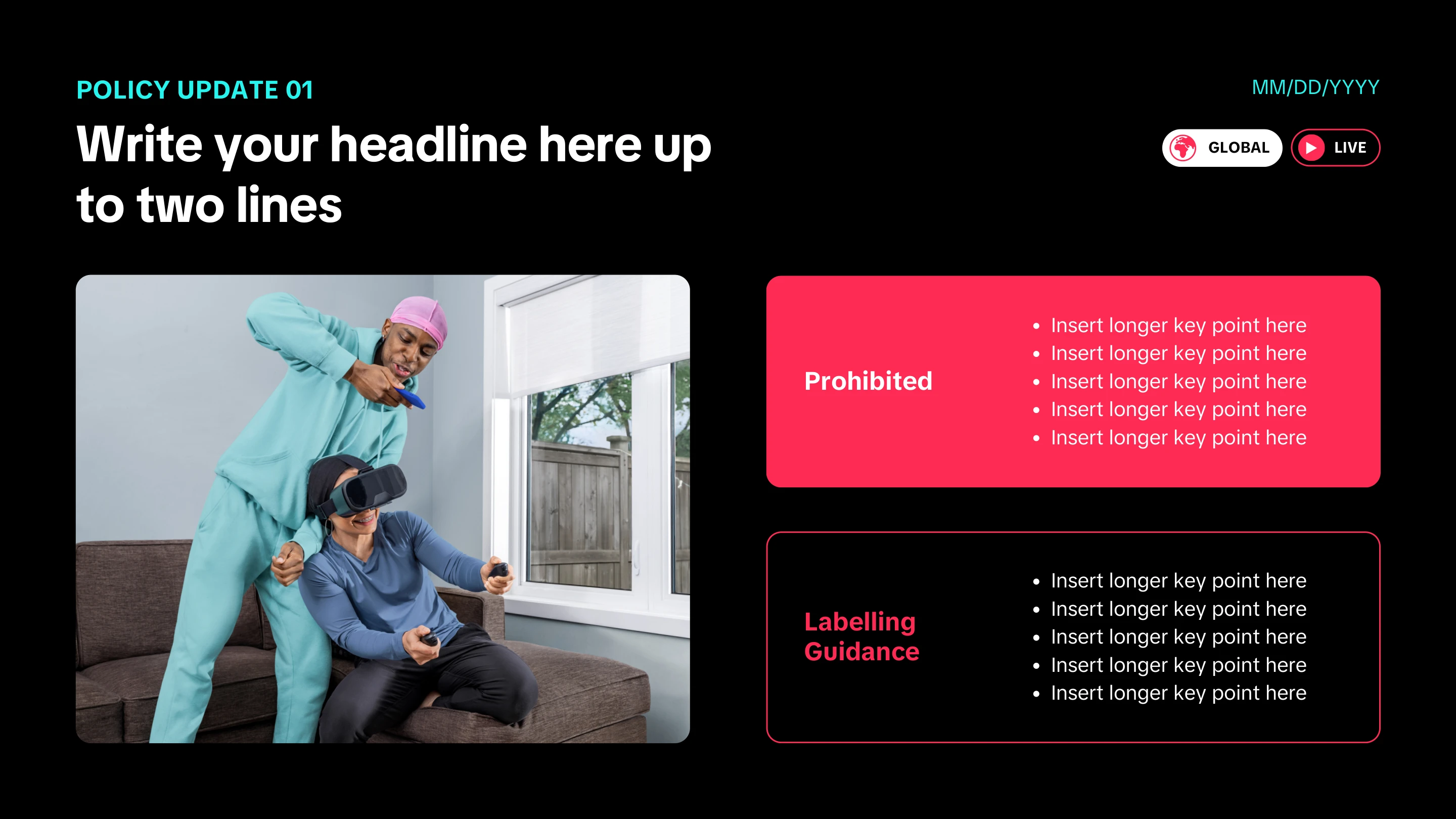
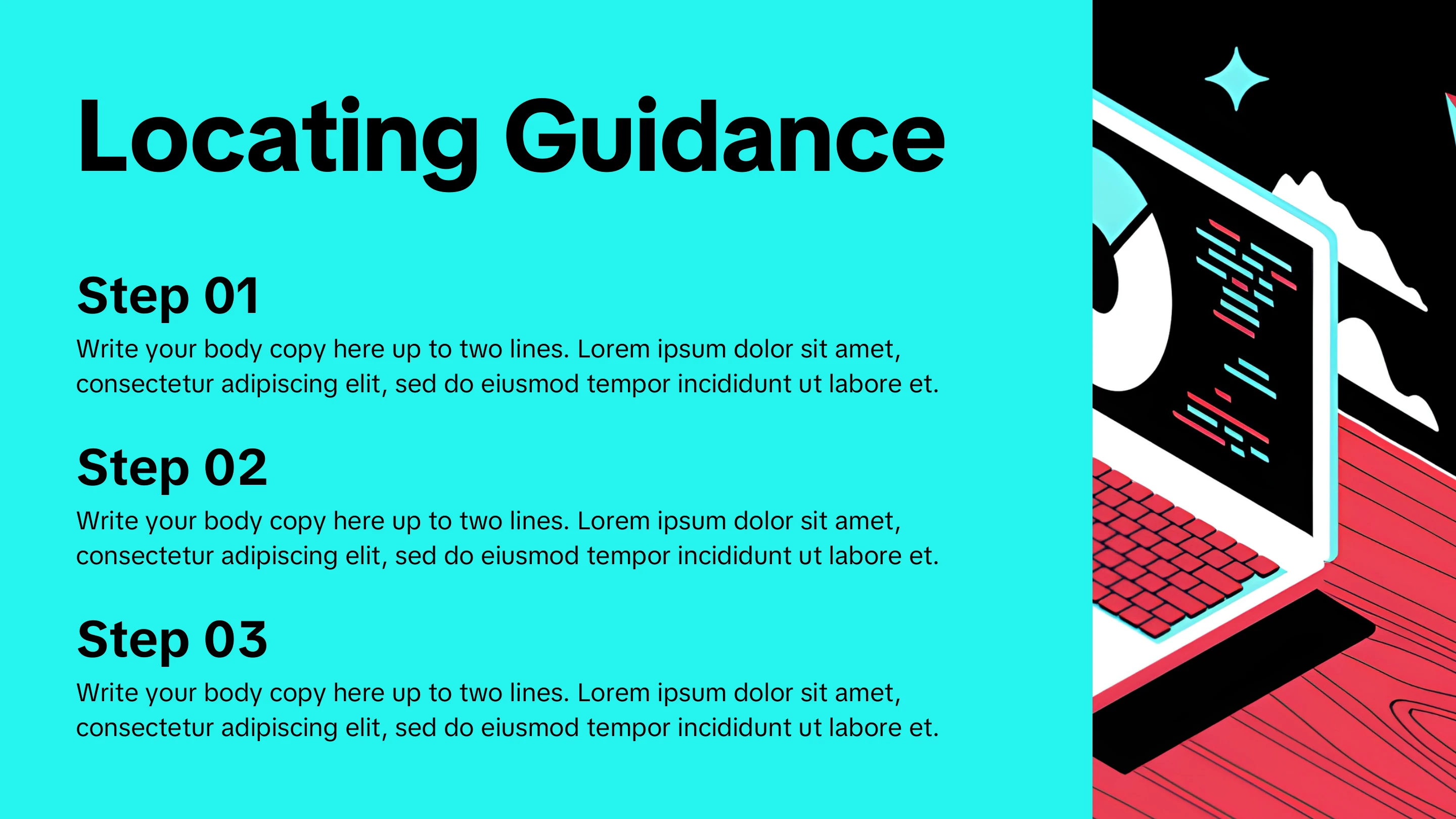
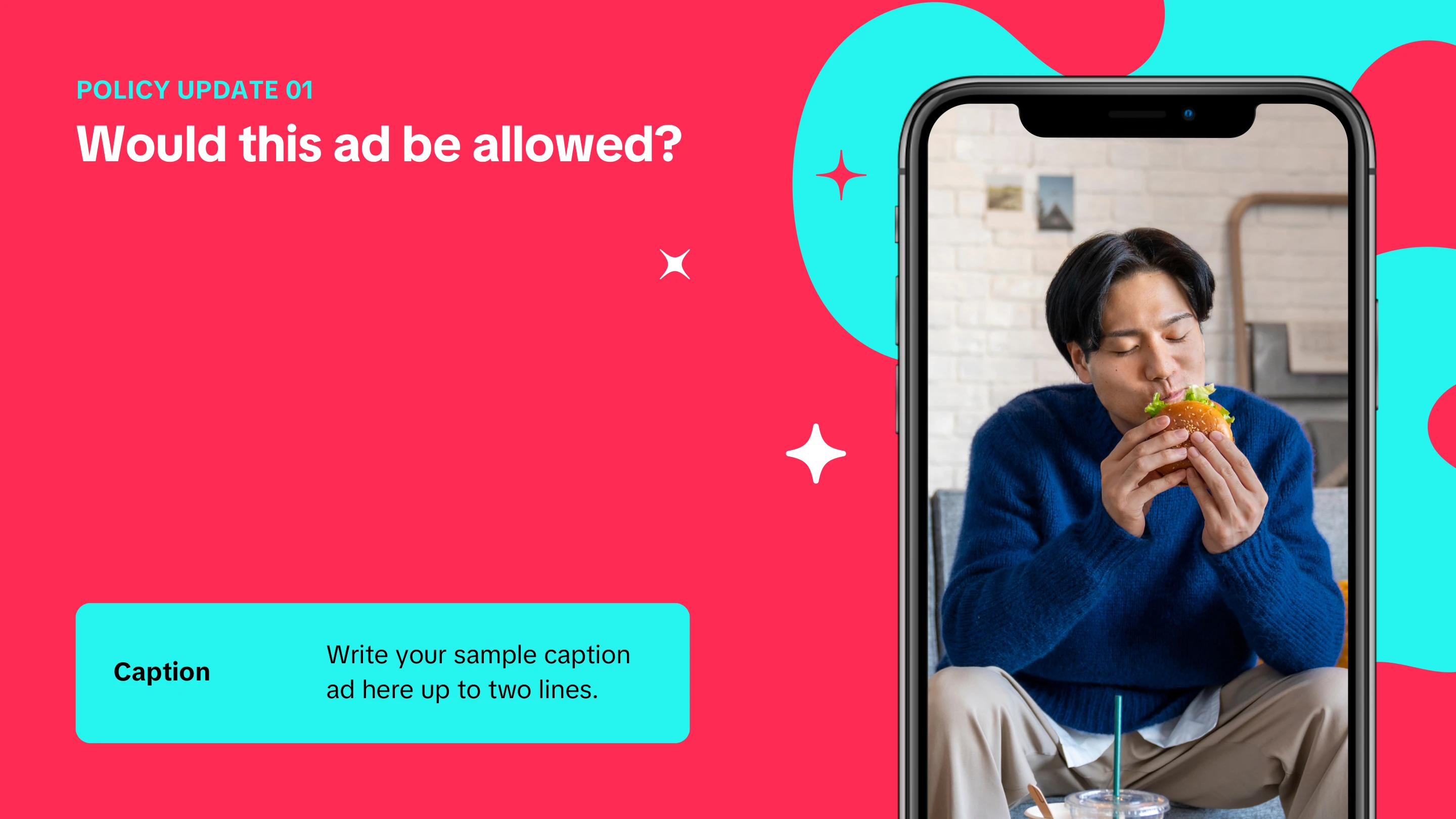
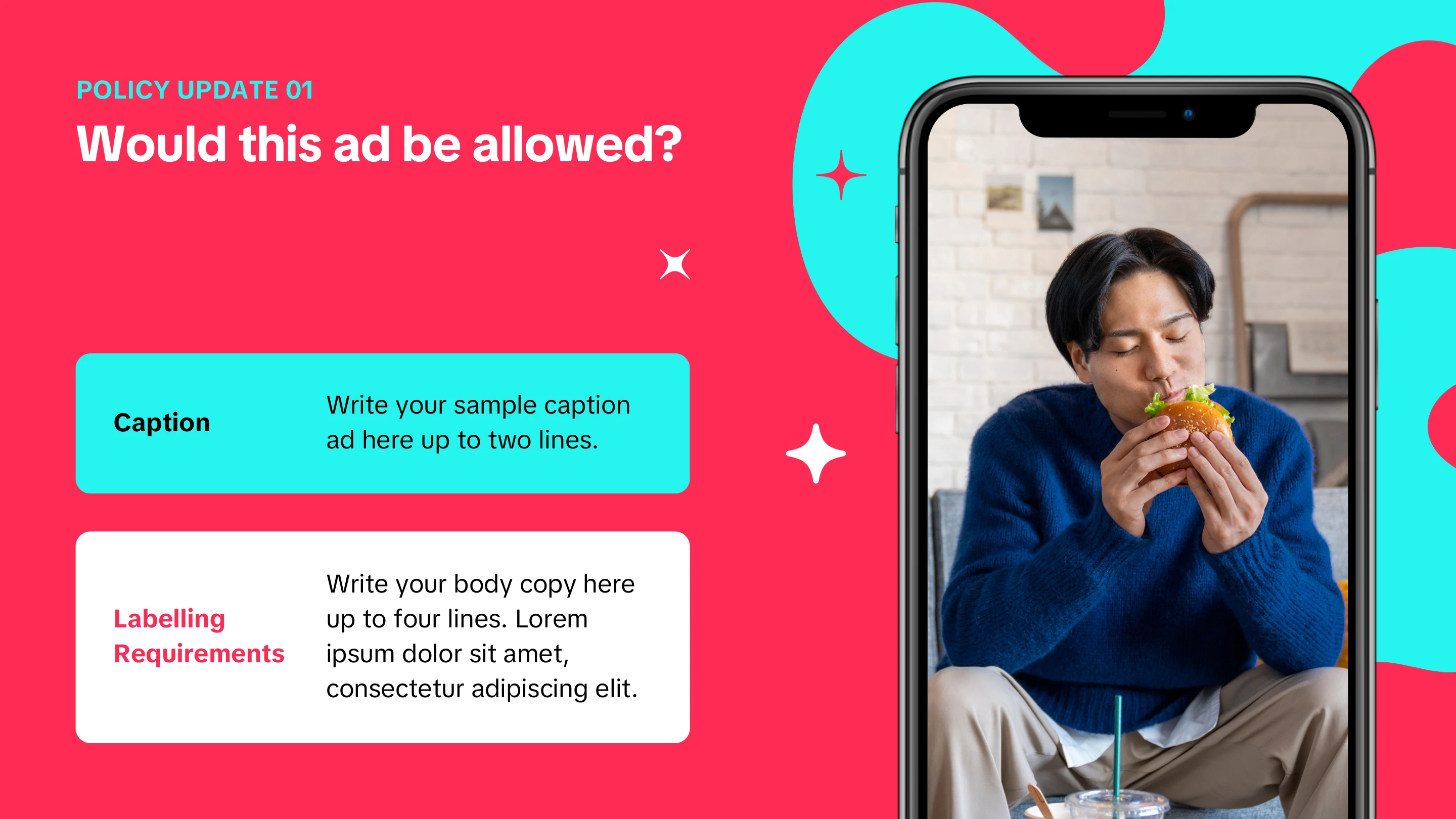
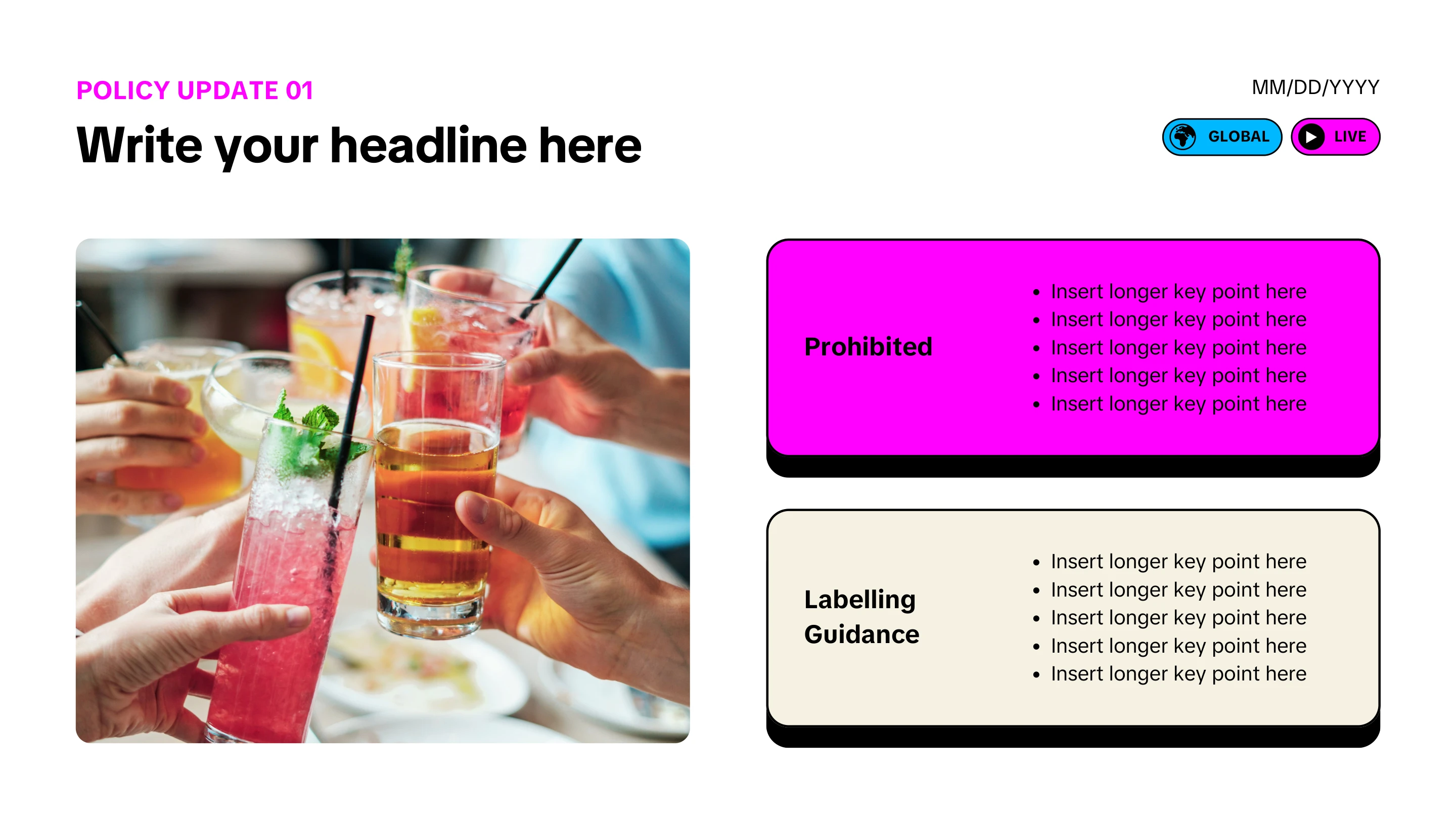
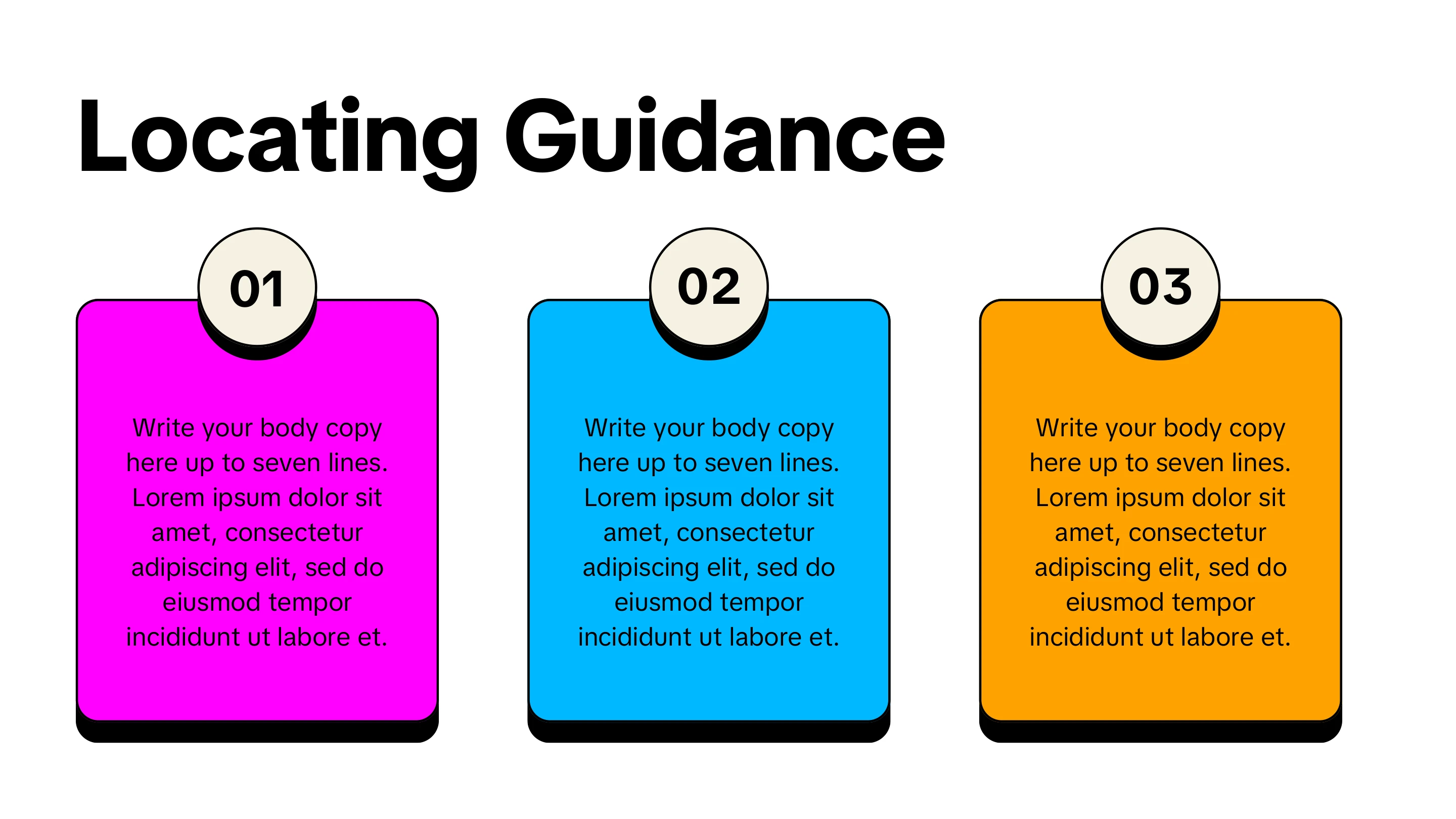
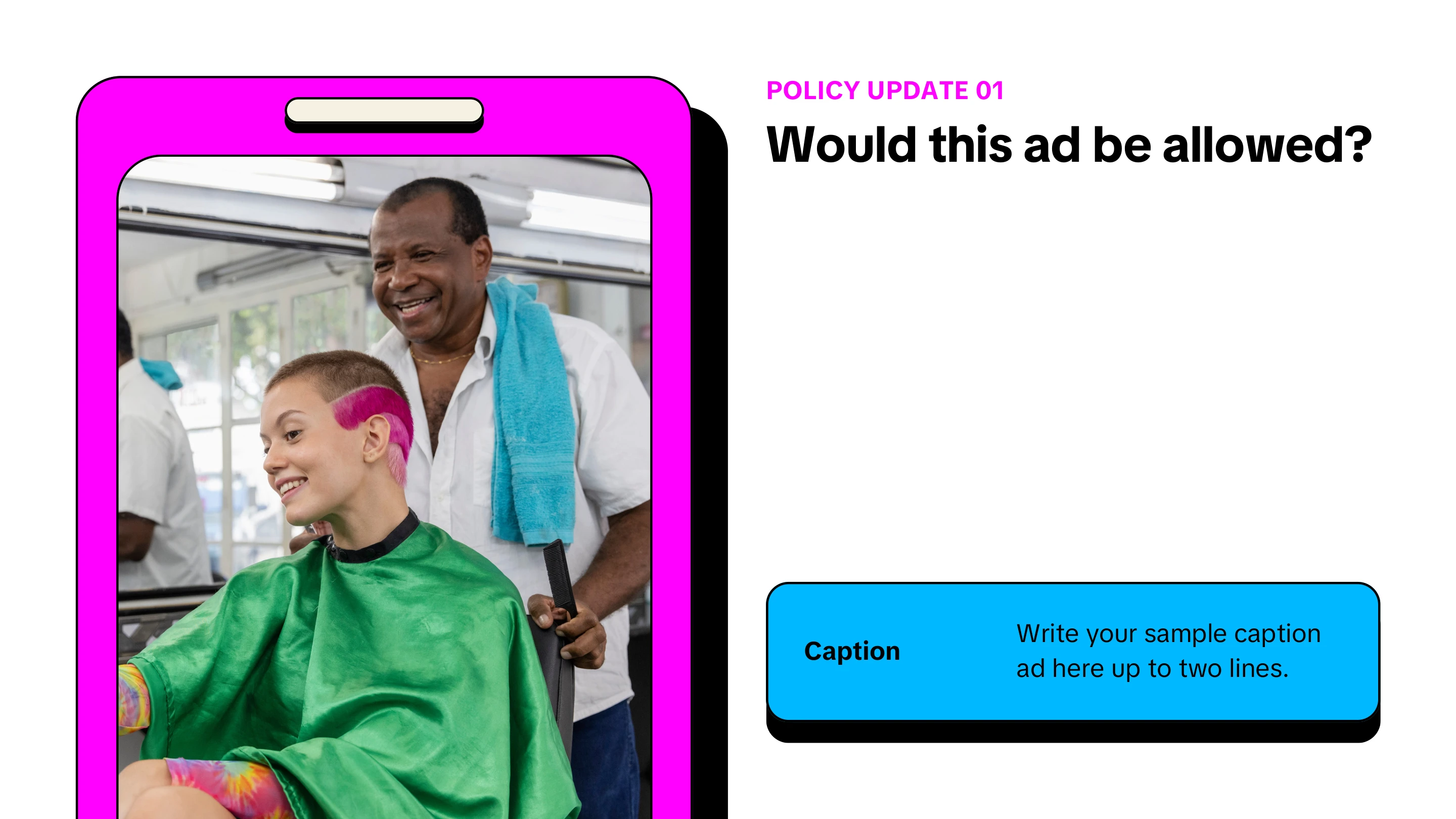
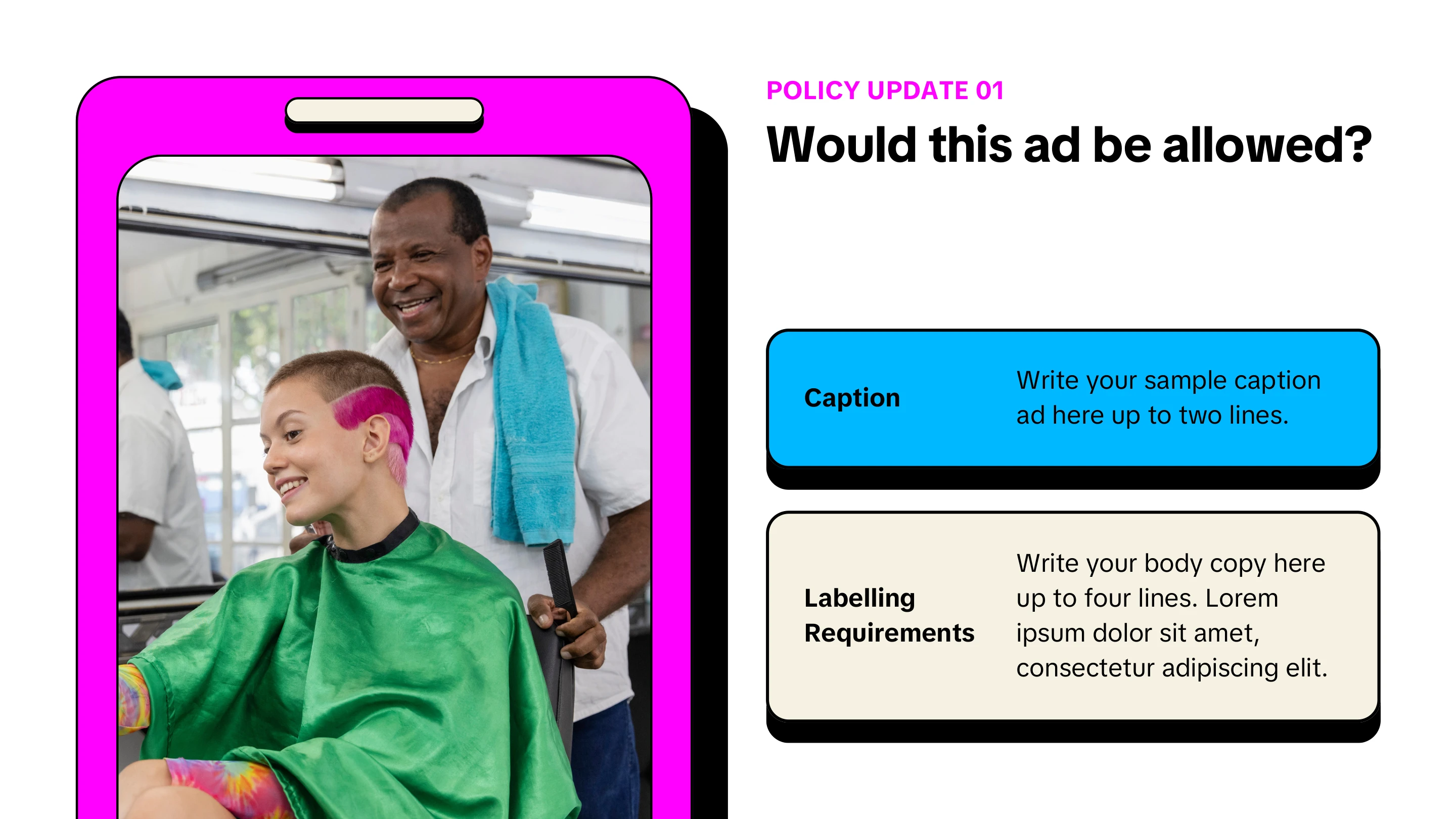
Scalable solutions & templatizing training materials

TikTok, Monetization Integrity — continuous education pod ID lead and primary designer

40%
less development time
~80 days
saved per quarter, globally
308
uses in the first 2 months
99.54%
satisfaction with the comms toolkit

Overview

Around 50 people — 12 global instructional designers and roughly 30 facilitators and training specialists — built every training from scratch. It burned time and left the five programs I led without consistent branding, or the cognitive fluency that consistency buys.

As the continuous education pod's ID lead, I proposed scaling a system I had already proven in North America. I rebuilt it in Canva, the only tool everyone who needed it could access, with Gagné's nine events baked into the templates.

Problem + Constraints

The problem

Roughly 50 people globally were reinventing the wheel every time a training needed to be built. That was 12 global instructional designers plus around 30 facilitators and training specialists, all starting from scratch. The cost was wasted production time and inconsistent branding across the five training programs I was leading, which undercut cognitive fluency for learners.

Audience and stakeholders

  • In-house instructional designers, facilitators, and training specialists
  • Training leads and program managers, whose buy-in the rollout depended on
  • Business partners at vendor sites, along with the trainers who would use the toolkits

Constraints

  • Global adoption was the hard part, not the design — the system had to be accepted region by region, including at vendor sites outside my reporting line.
  • Capacity. The pod was running five workstreams and 10–15 training deliverables a week, and the training experts I was building for were each producing 3–5 comms weekly. The system had to be built around that load, not instead of it.
  • Tooling access was uneven and accounts were fragmented across regions. Canva was the only platform everyone who needed the templates could actually open, so the system had to be custom-fitted to it rather than to Articulate or Adobe.

Approach + Tools

How I approached it

I proposed this as a solution I had already created and proven in North America, then piloted it worldwide. Before building, I audited existing assets, ran a needs analysis, and interviewed stakeholders to identify our most frequent training requests and the scenarios where trainers were developing materials on their own.

Key decisions

  • Standardizing on Canva. This was the hard call — it meant telling people they could not use the tools they were already familiar with, but it was the only way every person who needed a template could actually open one.
  • Solving the account problem, not just the design problem. I partnered with Knowledge Management and procurement to secure business licences and consolidate a fragmented, redundant set of regional accounts into one shared workspace, then trained the team on it and drove adoption.
  • Building Gagné's nine events into the templates themselves, so learning strategy and consistency were baked into the format rather than left to each creator.

My role

I designed the originals myself for my region, then scaled and socialized them globally. I was the primary graphic designer on the work, and collaborated with designers at Canva who helped polish the ideas.

Tools

  • Canva — primary authoring environment for the template system
  • Articulate Rise — eLearning for the instructional design team
  • Illustrator and Photoshop — banners, iconography, and custom graphic assets
  • The internal announcements platform the comms kit was written for

Output

Five workstreams

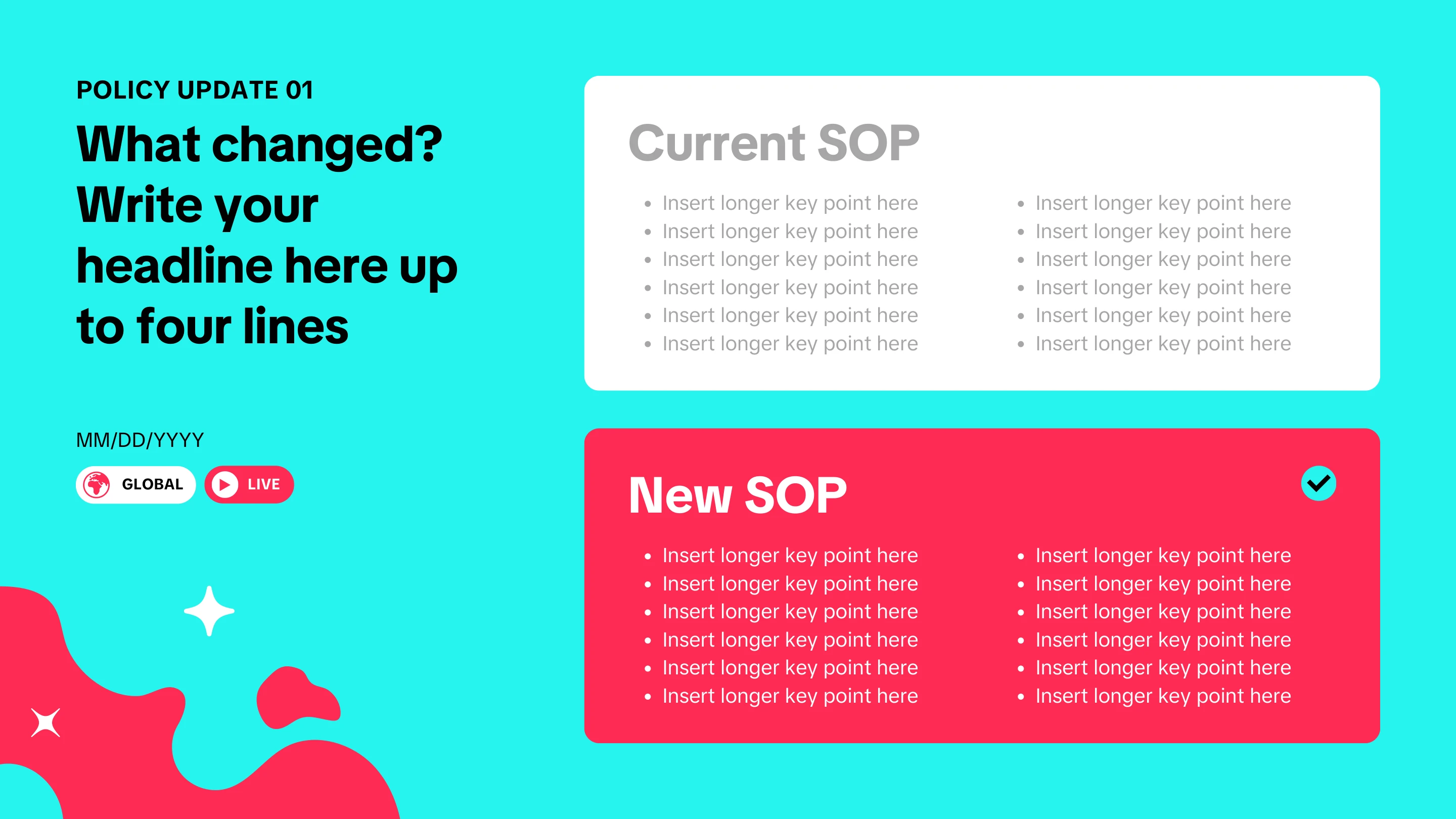
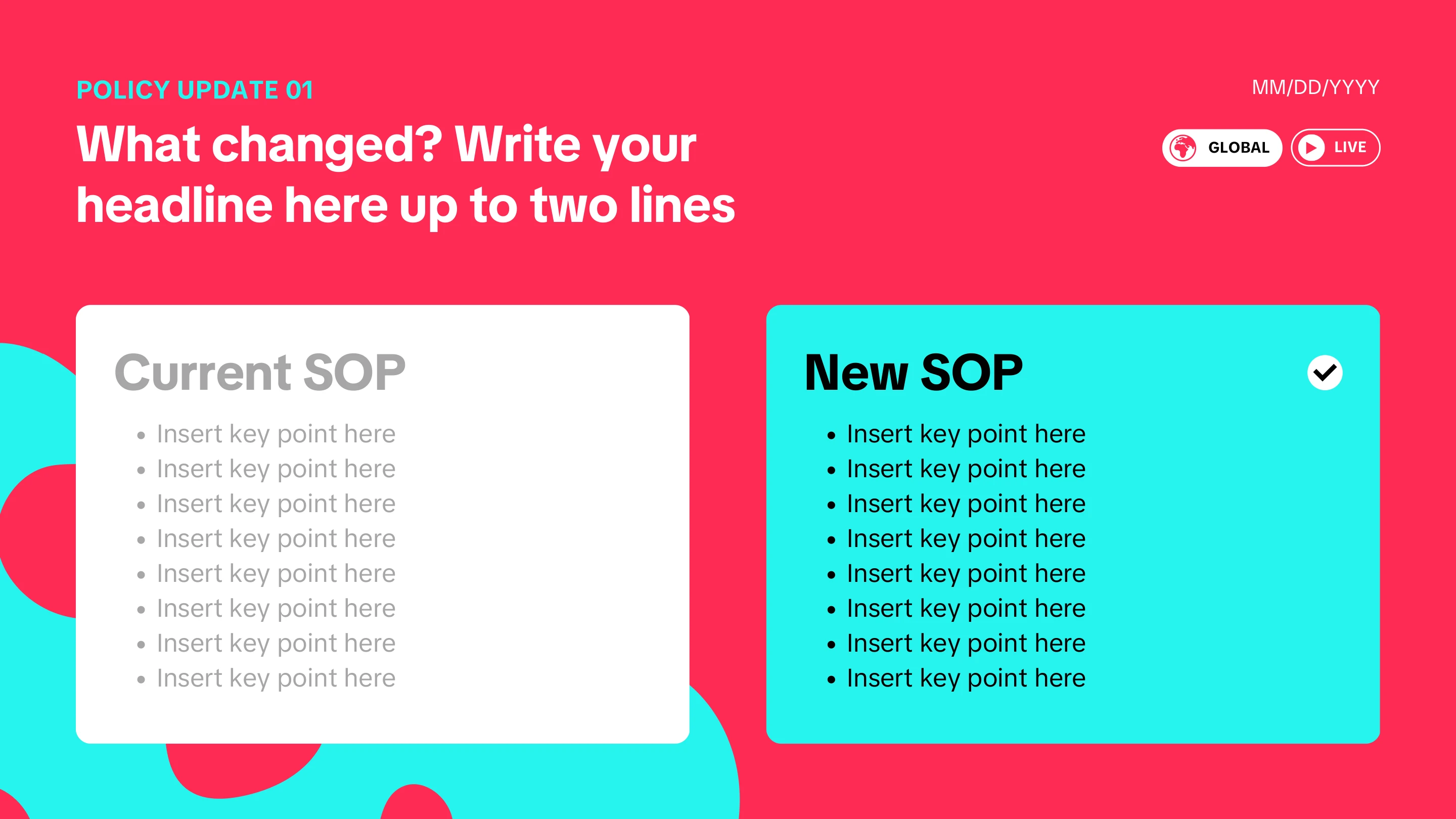
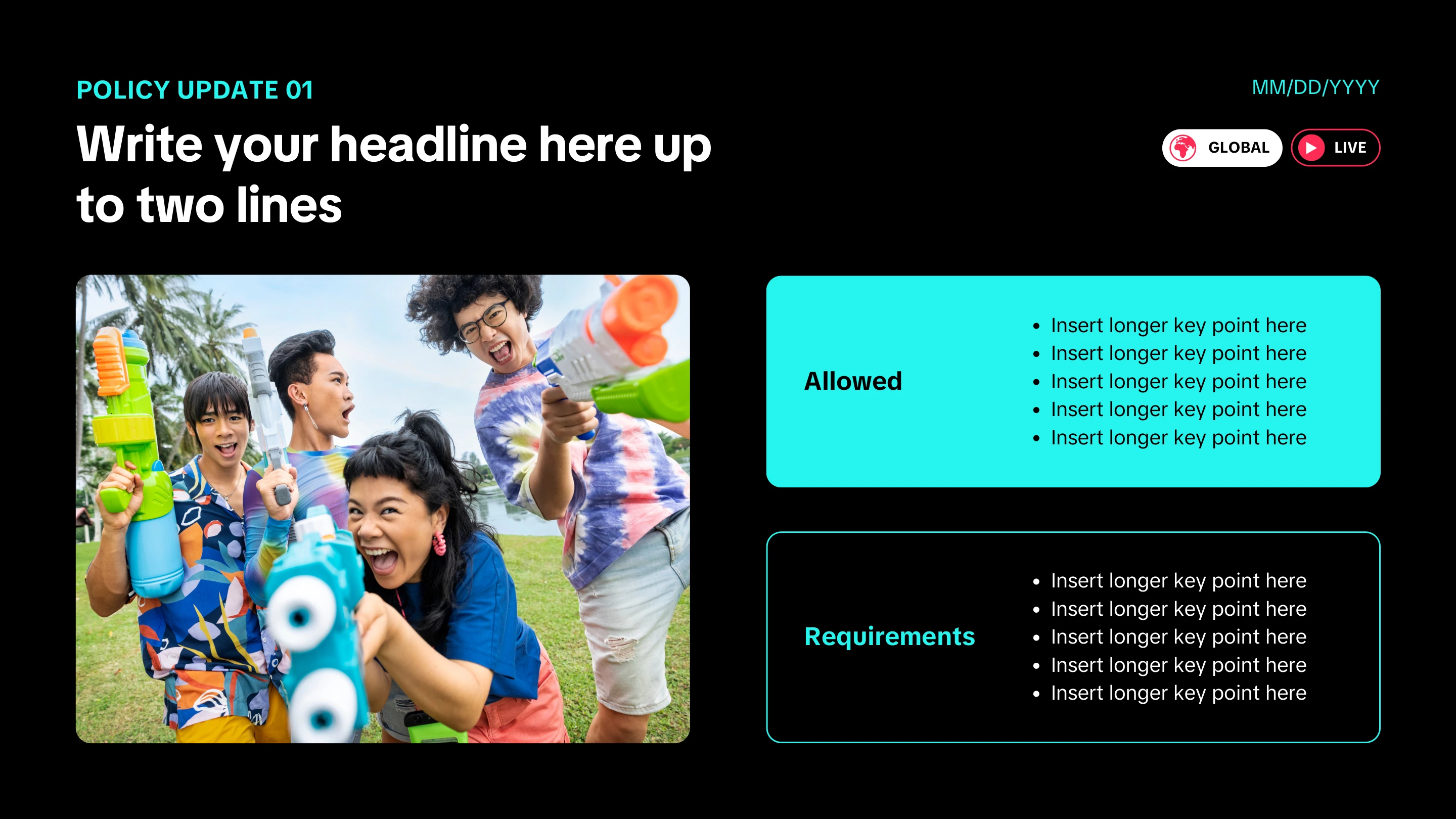
The system covered policy updates, tooling updates, brand safety, UGC (user-generated content), and political content.

What I delivered

  • Ten program-specific templates in Canva, plus a template toolkit for quick infographics
  • ILT and slide deck templates
  • A comms and announcements banner kit, custom designed in Adobe, with copy-paste shortcode and copywriting best practices for our internal announcements tool
  • A comprehensive ID toolkit covering rapid course design, comms writing, infographic, exam writing, and survey writing templates, plus an LMS how-to guide and a design resource bank
  • An eLearning in Rise for the instructional designers
  • Custom branded look and feel for 13 programs, and a downloadable asset library of iconography and graphics

Results + Learnings

Efficiency

The system cut development time by 40%, saving approximately 80 days per quarter across the global team. Sharing and consolidating content across regions removed a further 35 days of redundant workload across five projects.

Adoption

  • The templates were used 308 times in their first two months
  • The comms toolkit reached 70 users and 1,100+ views, and was used roughly ten times a week to serve an audience of 450+ moderators
  • 80 team members moved onto the shared Canva account, producing 125 original designs and publishing 450+

Satisfaction

The comms toolkit carried a 99.54% satisfaction rate. Feedback was consistently positive from all three groups who touched the system — learners, trainers, and fellow instructional designers.

Static graphics
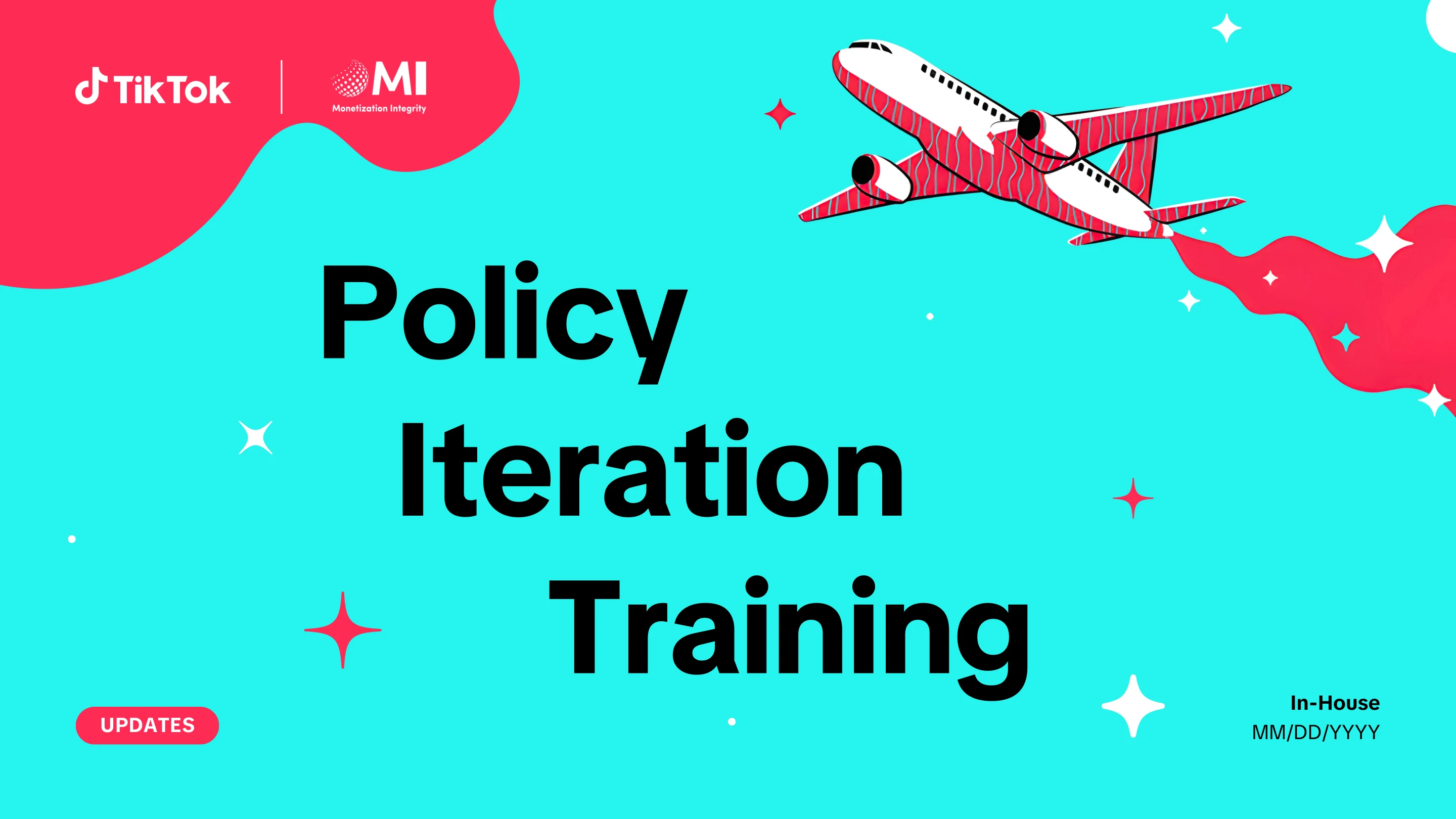
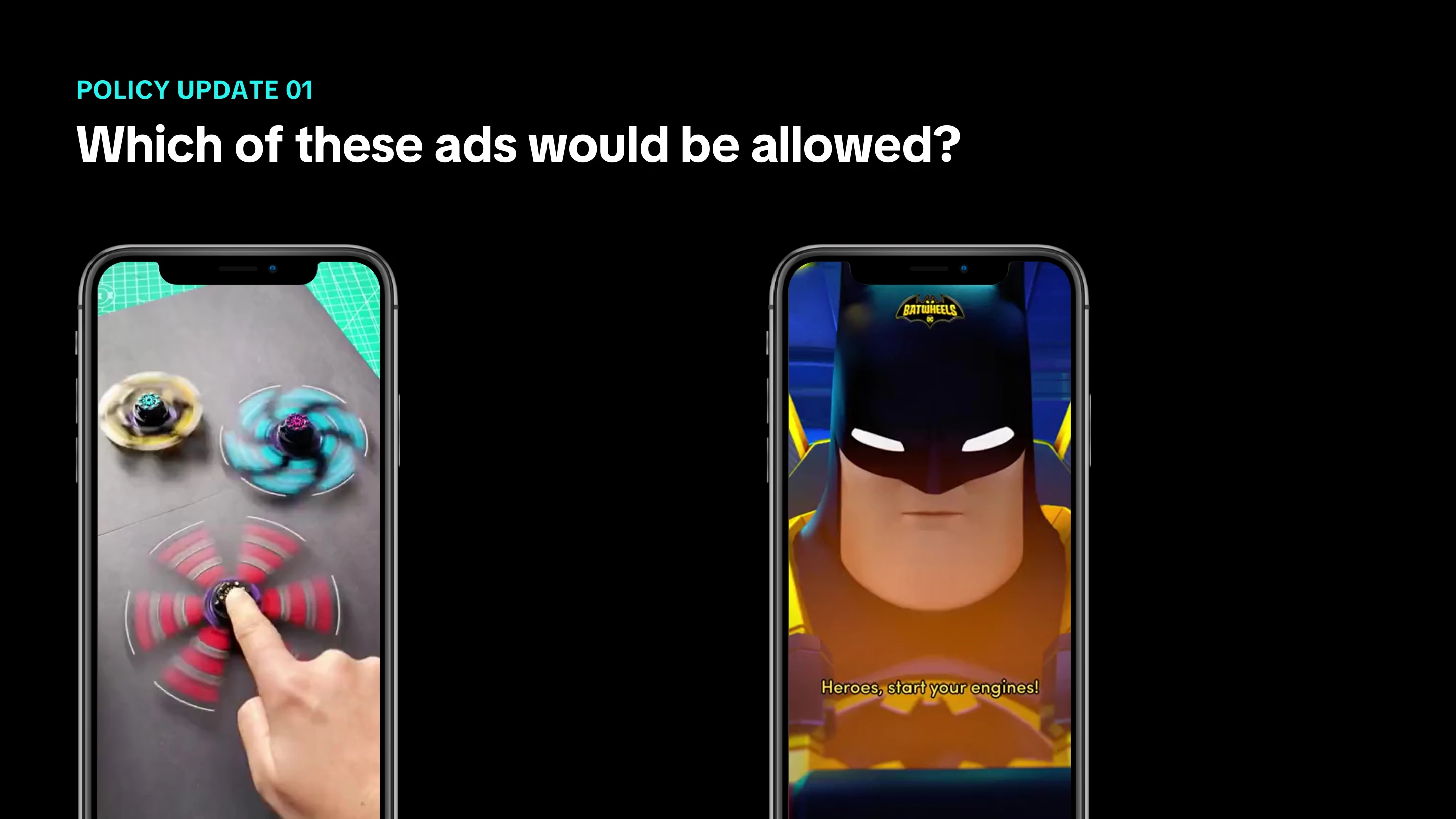
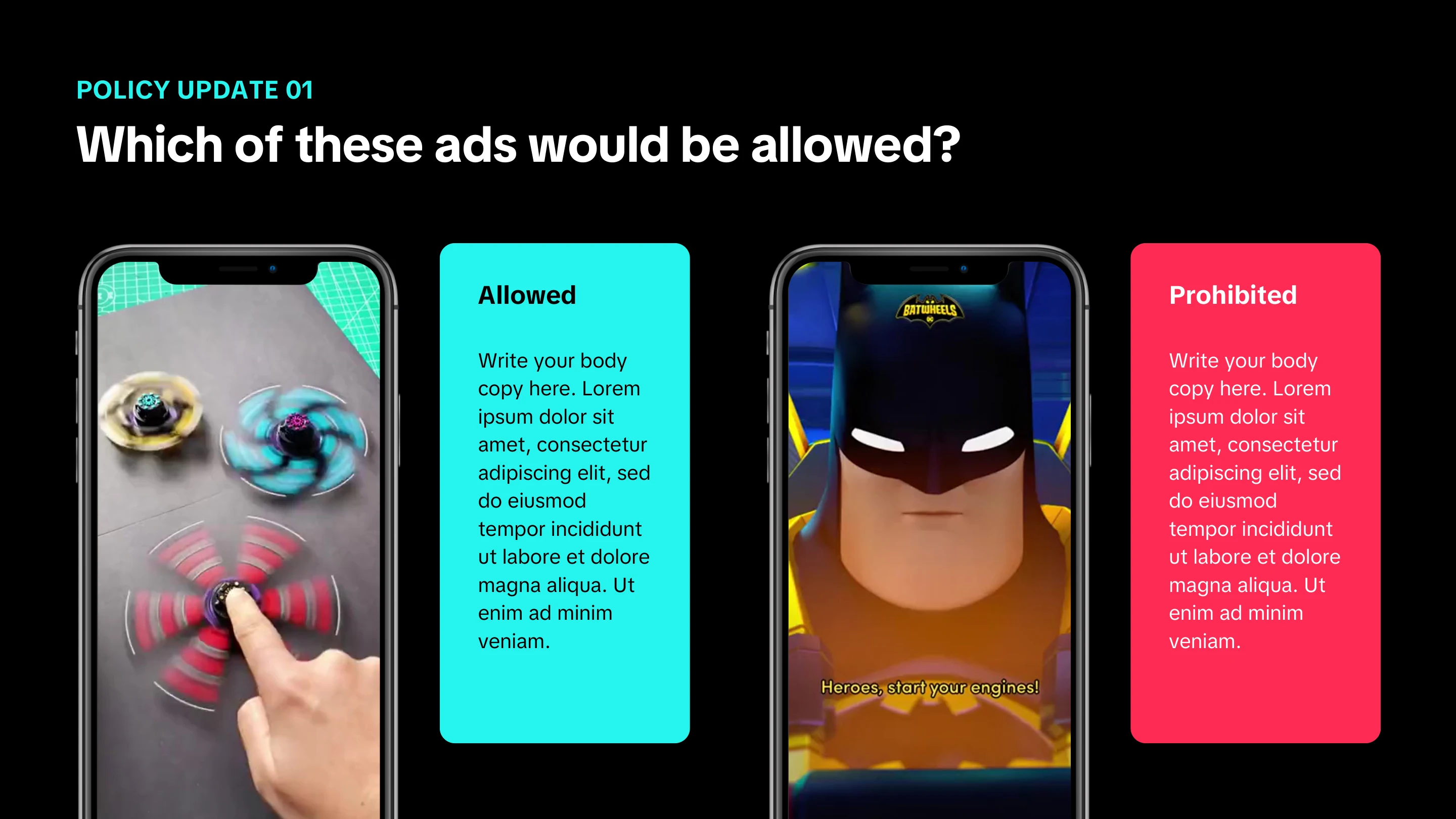
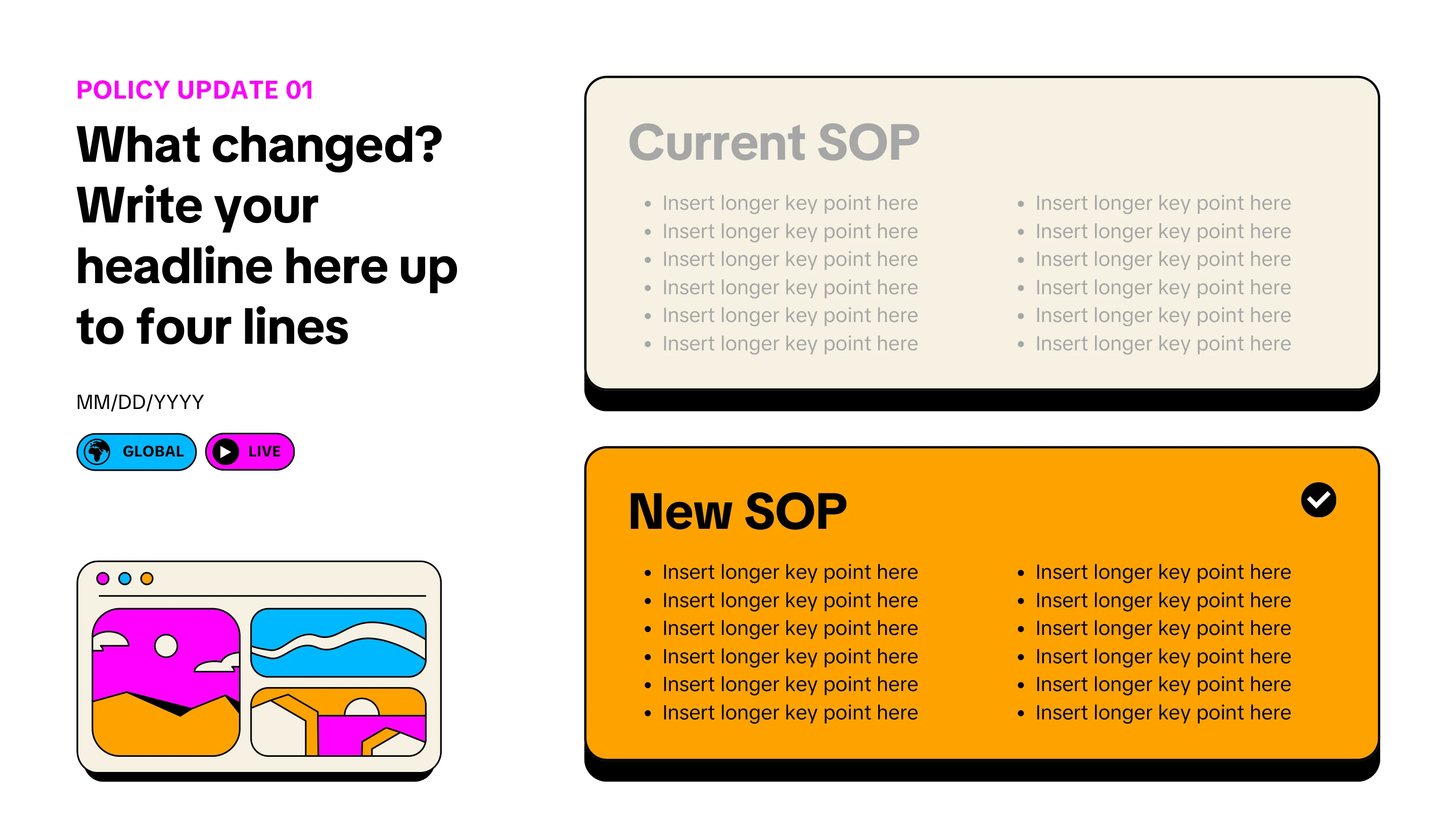
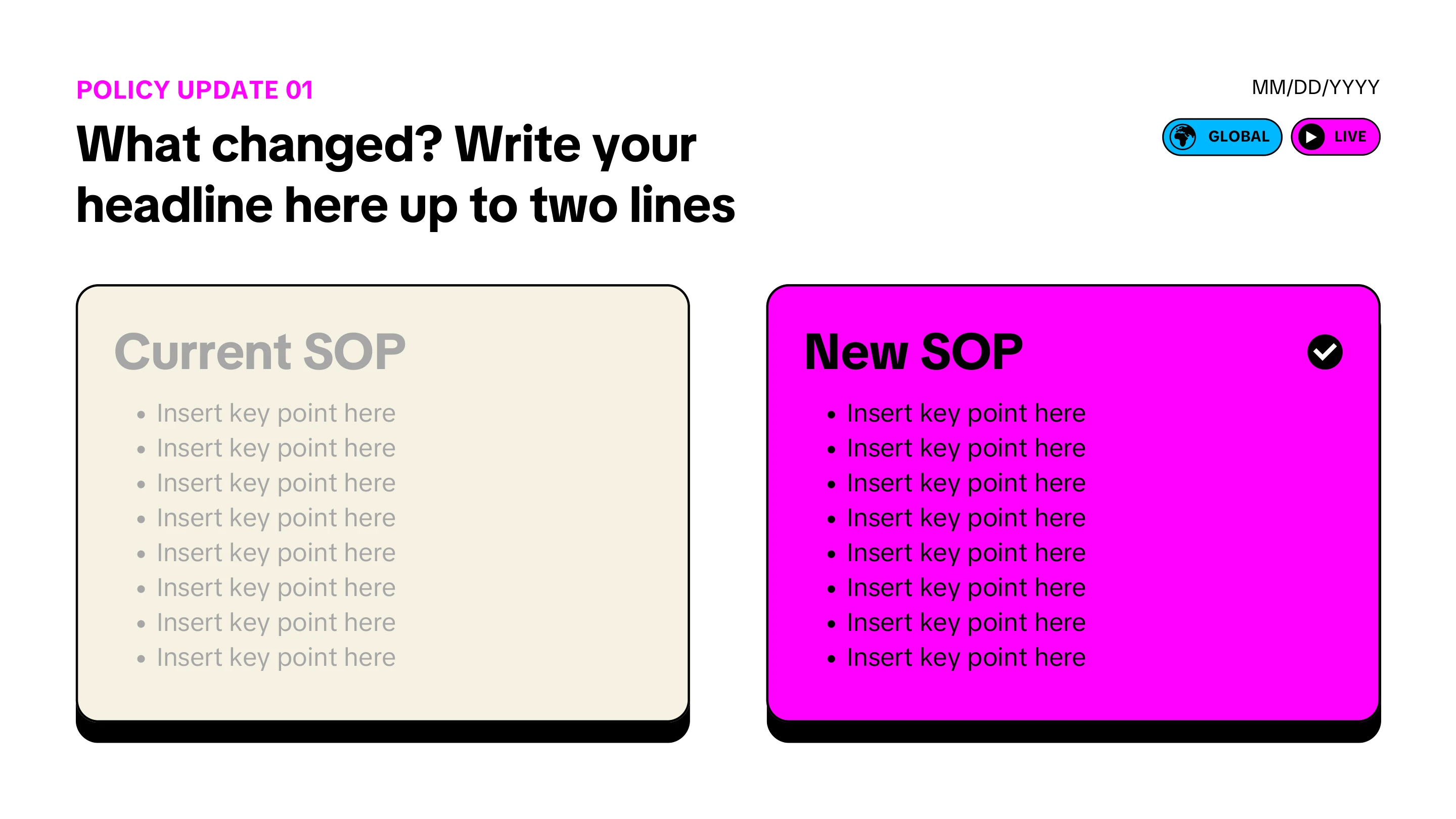
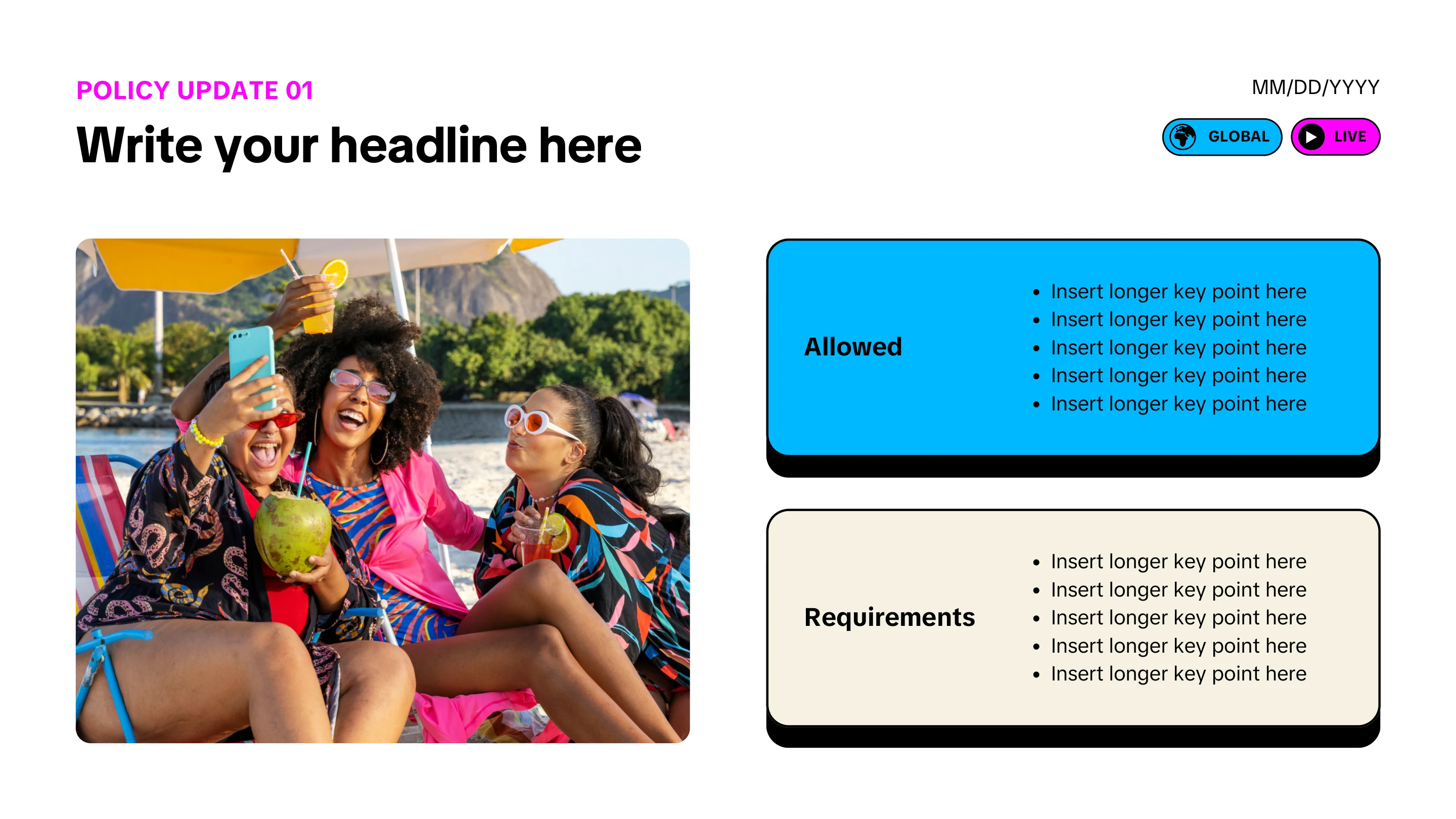
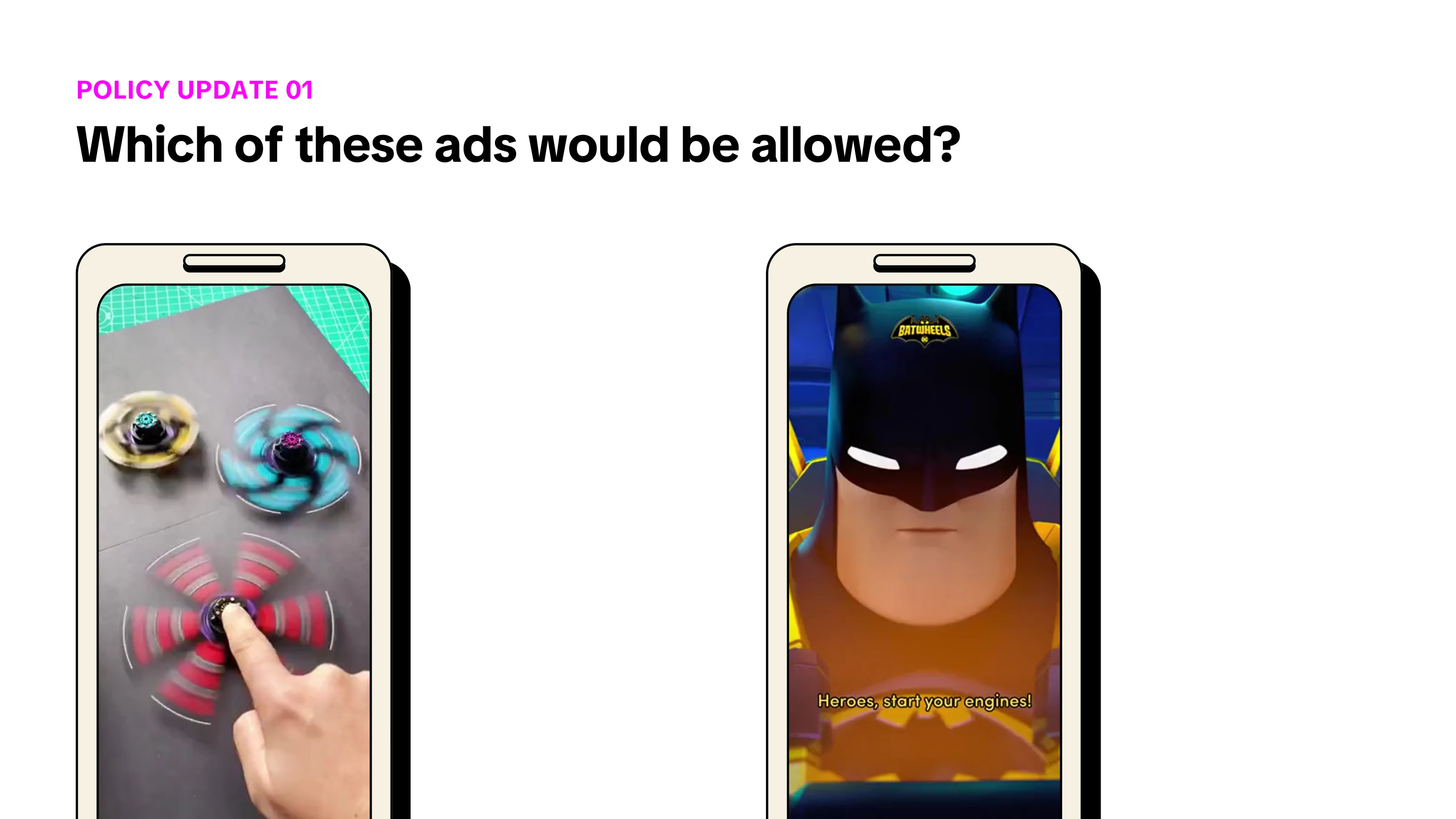
Slide 1 of the policy iteration instructor-led training deck.
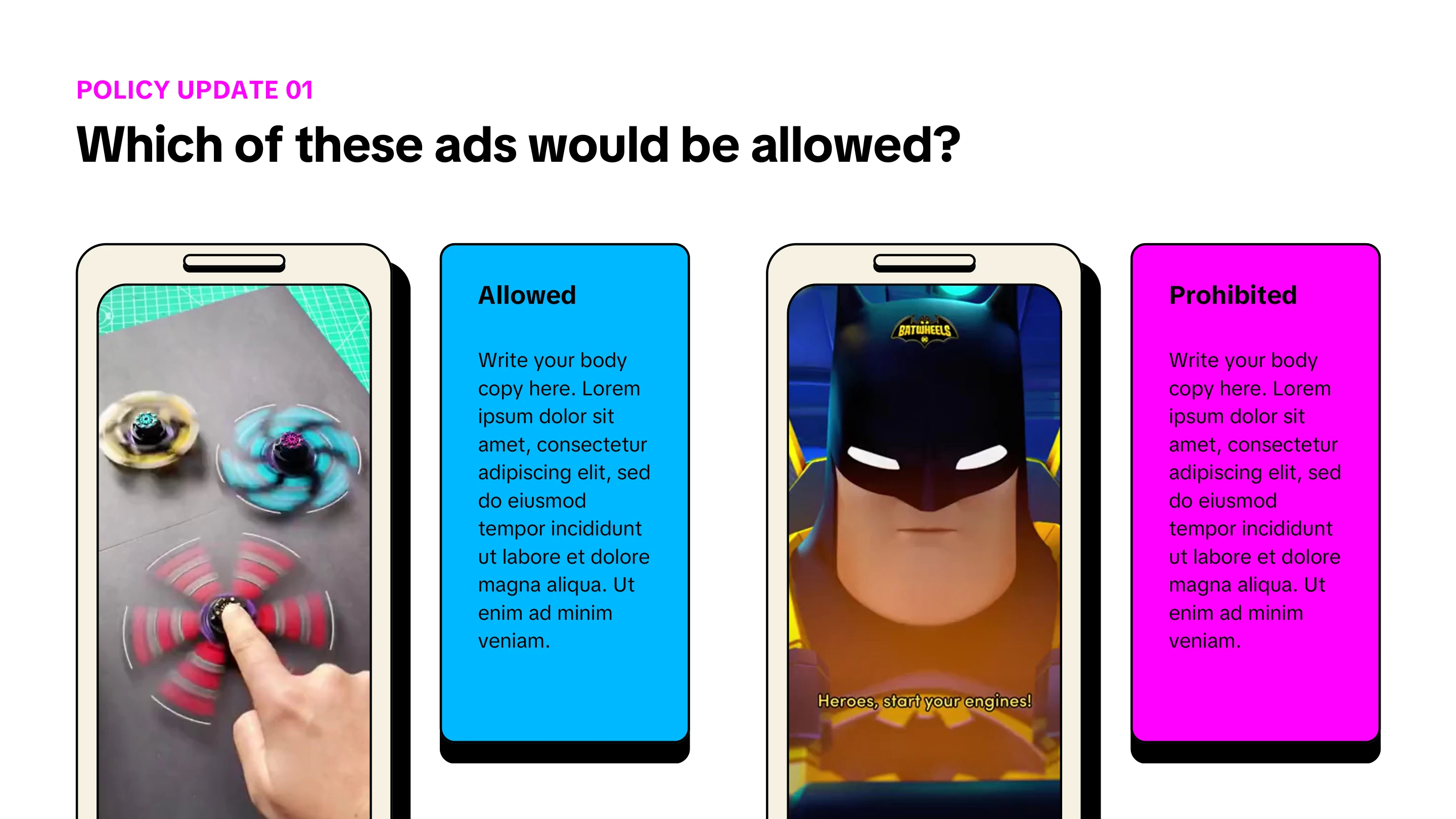
Slide 2 of the policy iteration instructor-led training deck.
Slide 3 of the policy iteration instructor-led training deck.
Slide 4 of the policy iteration instructor-led training deck.
Slide 5 of the policy iteration instructor-led training deck.
Slide 6 of the policy iteration instructor-led training deck.
Slide 7 of the policy iteration instructor-led training deck.
Slide 8 of the policy iteration instructor-led training deck.
Slide 9 of the policy iteration instructor-led training deck.
Slide 10 of the policy iteration instructor-led training deck.
Slide 11 of the policy iteration instructor-led training deck.
Slide 12 of the policy iteration instructor-led training deck.
Slide 13 of the policy iteration instructor-led training deck.
Slide 14 of the policy iteration instructor-led training deck.
Slide 15 of the policy iteration instructor-led training deck.
Slide 16 of the policy iteration instructor-led training deck.
Slide 17 of the policy iteration instructor-led training deck.
Slide 18 of the policy iteration instructor-led training deck.
Slide 19 of the policy iteration instructor-led training deck.
Policy iteration vILT deck1 / 19
Slide 1 of the PPO instructor-led training deck.
Slide 2 of the PPO instructor-led training deck.
Slide 3 of the PPO instructor-led training deck.
Slide 4 of the PPO instructor-led training deck.
Slide 5 of the PPO instructor-led training deck.
Slide 6 of the PPO instructor-led training deck.
Slide 7 of the PPO instructor-led training deck.
Slide 8 of the PPO instructor-led training deck.
Slide 9 of the PPO instructor-led training deck.
Slide 10 of the PPO instructor-led training deck.
Slide 11 of the PPO instructor-led training deck.
Slide 12 of the PPO instructor-led training deck.
Slide 13 of the PPO instructor-led training deck.
Slide 14 of the PPO instructor-led training deck.
Slide 15 of the PPO instructor-led training deck.
Slide 16 of the PPO instructor-led training deck.
Slide 17 of the PPO instructor-led training deck.
Slide 18 of the PPO instructor-led training deck.
PPO vILT deck1 / 18

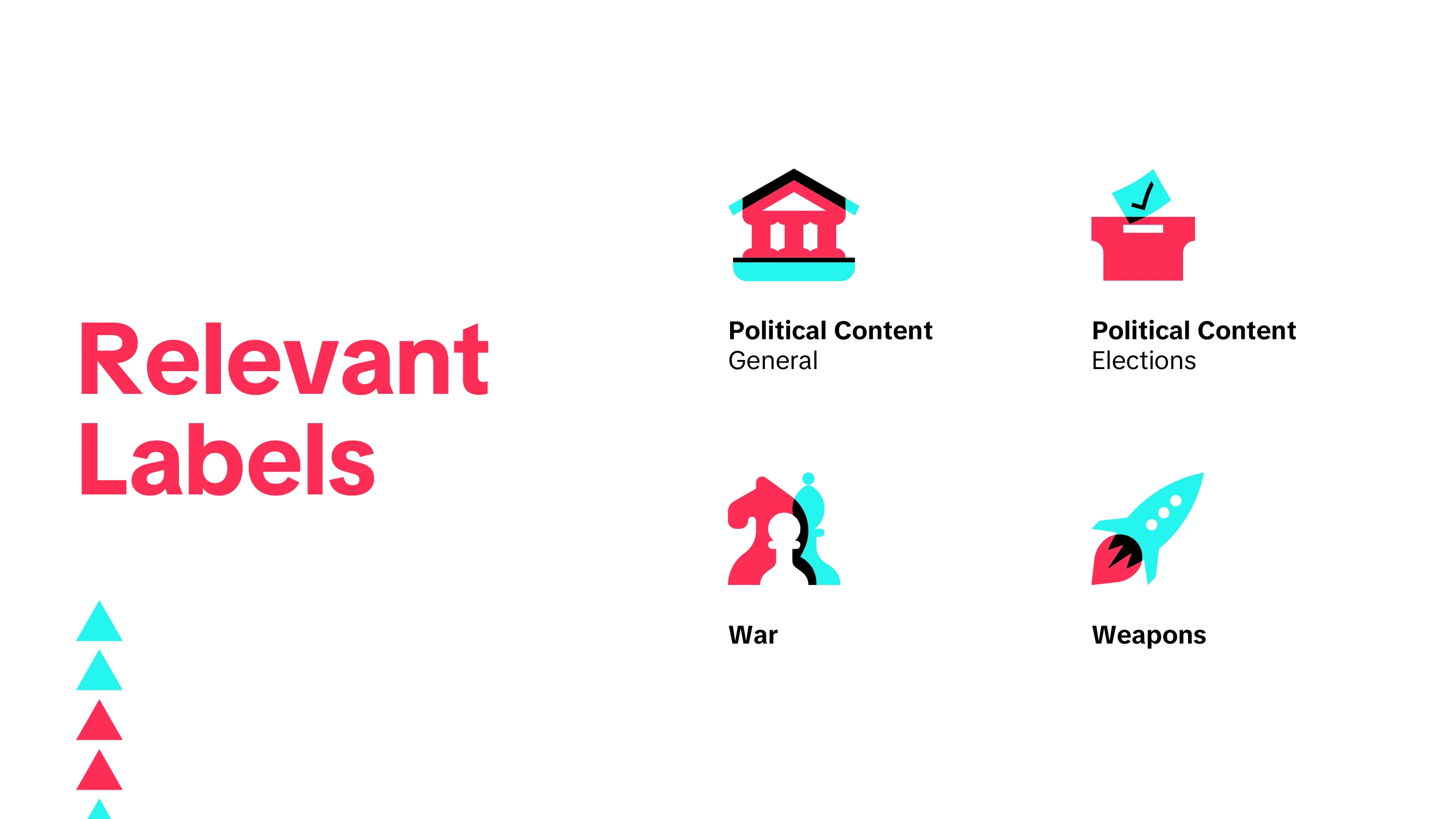
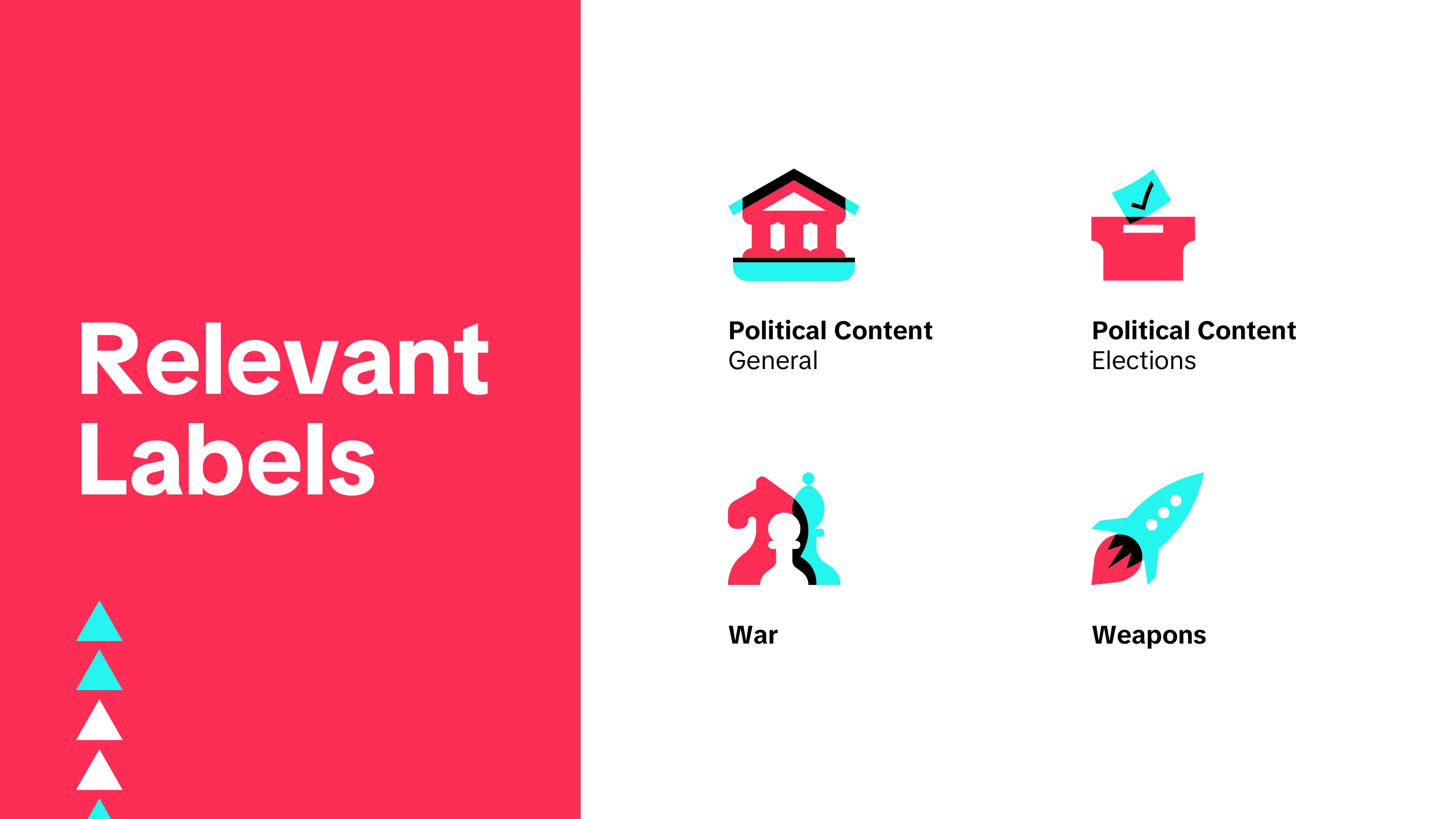
Global political content training program

TikTok, Monetization Integrity — global political content training lead

35+
eLearning experiences delivered in one quarter
7
learning modalities deployed
90%
learner satisfaction (LSAT)
3,700+
global content views

Overview

More than 70 elections were running globally, all of it high-risk content, with policy changing faster than a single course could keep up with. The audience ran from in-house moderation teams to BPO vendors across four regions and dozens of markets.

I led the training strategy and answered it with a blended journey rather than a course: seven touchpoints so the format could match the moment, held together by a custom-branded asset toolkit that let the team react at policy speed.

Problem + Constraints

The problem

More than 70 elections were happening globally in the same period. Political content is high risk, and the policy governing it changed quickly enough that conventional training would be out of date before it reached anyone. The program had to teach the current position and keep pace as it moved.

Audience and stakeholders

  • In-house moderation and training teams, and BPO vendor teams delivering alongside them
  • Cross-functional partners across policy, risk, and BPO/partner success

Constraints

  • Localization and regionalization across four regions and dozens of markets, so nothing could assume a single national context.
  • Policy moved fast. The program had to carry reactive messaging as well as planned training, which ruled out formats with long production cycles.
  • Reach had to extend past the in-house team to vendors who sat outside it.

Approach + Tools

How I approached it

A blended, multimodal journey instead of a single course. Seven touchpoints meant the format could suit the moment — a fast announcement for a policy change, a game or quiz where retention mattered, office hours where people needed to ask.

Key decisions

  • Templated announcements and a comms kit, so an urgent policy change could ship in hours rather than waiting on a build.
  • A custom-branded look and feel for political content, so the program was recognizable wherever it surfaced.
  • Games, quizzes, and office hours alongside traditional eLearning, rather than treating eLearning as the whole answer.

My role

I led the global political content training strategy, working cross-functionally with policy, risk, and BPO/partner success, and designed and built the program's branded asset system myself.

The seven touchpoints

  • Templated announcements
  • Memory games
  • Pop quizzes
  • Office hours
  • Policy corners
  • Newsletters
  • Traditional eLearning

Output

What I delivered

  • A 38-course global political content curriculum, enabling cross-market vendor training
  • A global political content policy eLearning, created and maintained as policy moved
  • A high-impact infographic following the policy overhaul
  • An interactive "NA Political Content Corner", centralising guidance and training in one place
  • A political content newsletter covering current events likely to affect moderation
  • A custom-branded asset toolkit — banners, GIFs, comms templates, and slide templates — built for rapid reactive messaging
  • eLearning, memory games, and assessments for major elections

Results + Learnings

Impact

  • Leakage on election political content fell 10-15%.
  • 35+ eLearning experiences delivered in a single quarter, across seven modalities
  • The post-overhaul infographic reached 1,100+ viewers and 3,700+ global page views at 90% LSAT

Reach and satisfaction

  • The policy eLearning drew 430+ completions at 89% LSAT
  • The branded asset toolkit was used in 30+ presentations
  • The Political Content Corner centralised guidance for 250+ views

Static graphics

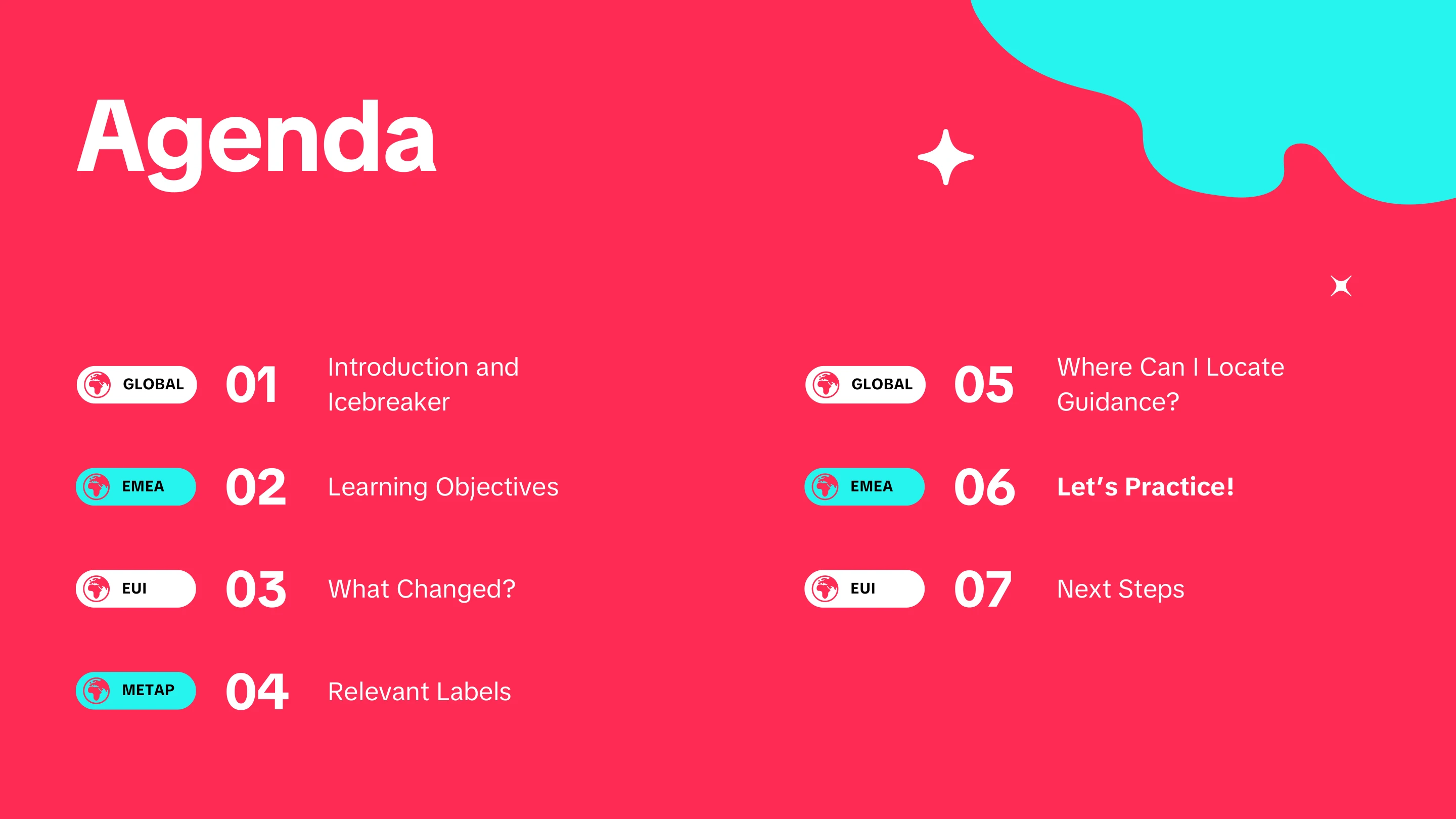
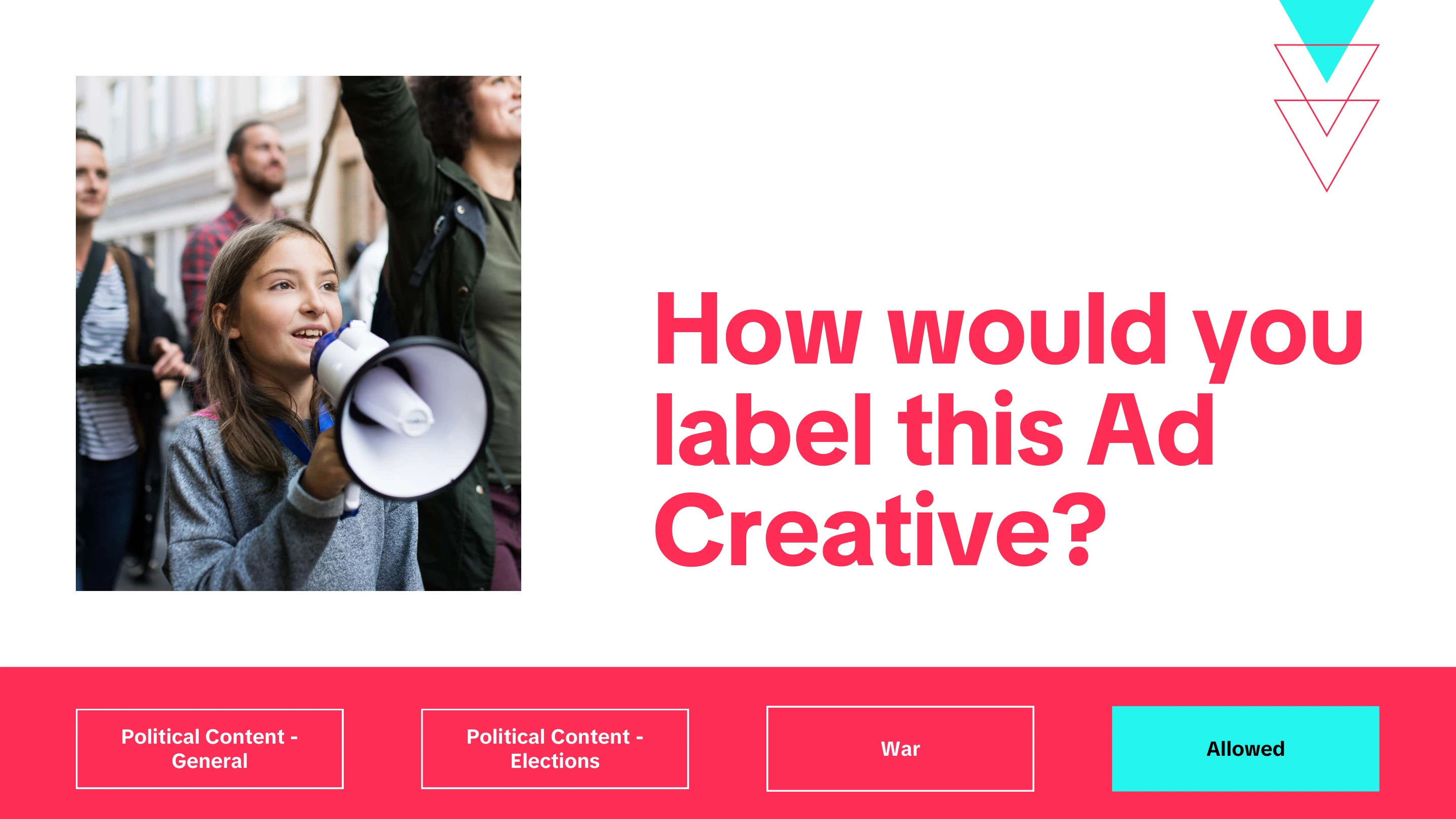
Slide 1 of the election training template deck.
Slide 2 of the election training template deck.
Slide 3 of the election training template deck.
Slide 4 of the election training template deck.
Slide 5 of the election training template deck.
Slide 6 of the election training template deck.
Slide 7 of the election training template deck.
Slide 8 of the election training template deck.
Slide 9 of the election training template deck.
Slide 10 of the election training template deck.
Slide 11 of the election training template deck.
Slide 12 of the election training template deck.
Slide 13 of the election training template deck.
Slide 14 of the election training template deck.
Slide 15 of the election training template deck.
Slide 16 of the election training template deck.
Slide 17 of the election training template deck.
Slide 18 of the election training template deck.
Slide 19 of the election training template deck.
Slide 20 of the election training template deck.
Election training deck1 / 20

L&D learning hub & style guide

TikTok, Monetization Integrity — L&D instructional designer

41.3%
click-through rate on the revamped Learning Hub
570+
page views in 4 months
85+
notification opt-ins

Overview

The L&D team had recently split from employee engagement, and the programs came across merged together. There was no single place a learner or a team lead could look to see what we actually offered, a lot of the detail on individual course pages had gone stale, and the team's own brand had not kept up with the split.

I rebuilt the Learning Hub as one legible catalog and gave the team a visual identity to go with it — including a style guide each program manager could use themselves, without needing a designer.

Problem + Constraints

The problem

Three things were wrong at once. Nobody had a succinct way to browse the course catalog, so programs were effectively invisible unless you already knew about them. Much of the information on individual course pages was out of date. And after separating from employee engagement, the L&D team had no distinct identity of its own.

Audience and stakeholders

  • Learners across every pillar department
  • Team leads looking for something to put their people into
  • Program managers, who had to promote and report on their own courses
  • The L&D team itself, whose visibility depended on it

Constraints

  • Program managers had to be able to produce their own one-pagers, readouts, and comms. Anything that required a designer in the loop would stall.
  • The catalog had already drifted out of date once, so the answer had to be maintainable by the people who owned each program rather than by me.

Approach + Tools

How I approached it

As two problems rather than one. Findability was a structure problem, solved by rebuilding the Hub as a single catalog. Recognition was an identity problem, solved by refreshing the brand and then handing it over in a form other people could use.

Key decisions

  • Building the style guide in Canva. Illustrator and Photoshop did the design work, but the toolkit had to live where program managers already worked, or it would have gone unused.
  • Writing a separate style guide for each program, not just one for the team, so a program manager could produce a one-pager or a readout for their own course and have it still look like it belonged to us.

My role

I took on the visual refresh myself: the branding, the new asset library, the style guides, and the design and build of the revamped Learning Hub.

Tools

  • Canva — where the style guide toolkit lives, so non-designers can use it
  • Illustrator and Photoshop — the brand assets and design work
  • Figma — design and layout

Output

What I delivered

  • A fully revamped Learning Hub presenting the whole program catalog in one place
  • A refreshed L&D brand — logos, color, typography, and imagery treatments
  • A style guide toolkit built in Canva, with an asset library behind it
  • Individual style guides for each program, so program managers could build their own one-pagers, readouts, and comms on brand

Results + Learnings

Reach

  • 41.3% click-through rate on the revamped Hub
  • 570+ page views across four months
  • 85+ opt-ins for notifications about program launches

What changed

Engagement rose sharply, and so did sign-ups and notification opt-ins for program launches — the clearest sign that programs were now findable rather than merely published.

What the team said

Every member of the team was pleased with the jump in visibility. For a function that had just been split off and had to re-establish itself internally, being seen was the point.

Static graphics

Trainer certification program

TikTok, Trust and Safety — policy training developer

45+
learners
98%
LSAT
95%
applicability

Overview

Post-training surveys were showing poor and inconsistent performance across vendor sites. Our facilitation lead wanted the vendor trainers upskilled — partly to raise the floor on consistency, partly to give them somewhere to progress to.

Three instructional designers and the facilitation lead built a five-part certification covering the craft of training. I designed and developed two of its modules: writing learning objectives against Bloom's taxonomy, and aligning those objectives to assessments so a training's effect can actually be measured.

Problem + Constraints

The problem

Post-training surveys showed performance that was both poor and inconsistent from site to site. Vendor trainers were delivering to different standards, with no shared grounding in learning design and no structured route to develop into. The answer had to scale to trainers spread across global sites rather than depend on who happened to coach them.

Audience and stakeholders

  • Vendor trainers across global sites, delivering training alongside the in-house team
  • The in-house training and facilitation lead, who owned the team of facilitators
  • A team of three instructional designers, myself among them

Constraints

  • Measuring success was the genuine difficulty. Trainer capability does not surface in platform metrics the way content performance does, so the program needed its own evidence built in from the start.
  • The program had to serve career progression as well as competence, which shaped it into a certification rather than a one-off course.

Approach + Tools

How I approached it

A five-part eLearning certification, each part covering one piece of the craft, so trainers could work through it at their own pace across sites and time zones instead of waiting for a facilitator to reach them.

The five modules

  • Needs Analysis 101: From Request to Recommendation
  • The Art of Facilitation
  • Building Better Learning Objectives with Bloom's Taxonomy
  • Learning Objectives & Assessment: Aligning for Success
  • Adult Learning Theory: What Every Trainer Needs to Know

My role

I designed and developed two of the five modules — the Bloom's taxonomy module on writing objectives at the right cognitive level, and the module on aligning objectives to assessments, which is what makes a training measurable rather than merely delivered. Both are playable below.

Measuring it

Since capability could not be read off a dashboard, we built the evidence in: self-assessments of skill taken before and after the program, corroborated by asking each trainer's manager or team lead what they were seeing.

Output

What I delivered

  • Two of the five certification modules, authored end to end in Articulate Rise — Bloom's taxonomy for objective writing, and objective-to-assessment alignment
  • A pre- and post-program self-assessment of trainer skills, paired with manager and team lead input as a second source

Try the modules

Both modules I built are embedded below and run in full. Choose one to open it.

Results + Learnings

Reception

  • 98% LSAT and 95% applicability across the cohort
  • Overwhelmingly well received by the trainers who took it

What the measurement showed

Pre- and post-program self-assessments, read alongside manager and team lead feedback, were what let us say the program had worked rather than only that it had been liked.

The hard part

Measuring success was the real challenge on this program. Trainer capability is not something a dashboard reports, so the evidence had to be built into the design rather than read off afterwards.

Courses

Choose a course above to open it here.

NextGen Leaders 2.0

TikTok, Monetization Integrity — leadership program design

98%
learner satisfaction
96%
job applicability
100%
advocacy
54-77%
post-training confidence, up from 27-43%

Program ecosystem

  • Live facilitationThree-day immersive
  • Presentation materialsFacilitator decks across three days
  • Participant workbook103 pages
  • Worksheets and job aidsUsed between sessions
  • Promotional mediaProgram launch video

Overview

Leadership engagement was slipping. A government-level ban on the platform was being openly discussed, and the uncertainty was showing. HR asked for strategic alignment, and a learning needs analysis alongside the AMS leadership summit pointed the same way: invest in the leaders.

I was handed an existing four-month virtual program for new and established leaders and asked to turn it into a three-day immersive — conversation mastery, feedback mastery, stakeholder management, MI strategy, and executive presence, rebuilt as a coordinated set of live sessions, workbook, and job aids.

Problem + Constraints

The problem

Leaders were disengaged at a moment when the organization needed them steady. Rumours of a government-level ban were circulating, and the usual answer — a long-running virtual program — was not holding attention or building the confidence people needed.

What pointed the way

  • A request from HR for strategic alignment
  • Learning needs analysis results
  • Findings from the AMS leadership summit, which independently reached the same conclusion

Constraints

  • The material already existed as a four-month virtual program. The task was transformation rather than a blank page — keeping what worked while changing the format entirely.
  • Compressing four months of virtual learning into three immersive days meant cutting hard and rebuilding the throughline.
  • Soft skills resist measurement. Confidence, presence, and the quality of a difficult conversation do not surface in a system report.

Approach + Tools

How I approached it

A three-day immersive built as one coordinated experience rather than a sequence of sessions. Live facilitation carried the discussion, the workbook carried the practice, and the job aids carried the work back to the desk — each asset designed against the others rather than produced separately.

What the program covers

  • Conversation mastery
  • Feedback mastery
  • Stakeholder management
  • MI strategy
  • Executive presence

Designing for measurement

Because soft skills resist measurement, the evidence had to be built into the design. Participants self-assessed before and after. Each was paired with a peer accountability partner who tracked their growth against a commitment made during the workshop. Their leaders were asked separately what they were seeing.

Why three sources

Self-assessment alone measures confidence rather than capability. Pairing it with a peer who observes the commitment in practice, and a leader who sees the day-to-day, turns a feeling into something corroborated.

Output

What the program is made of

  • A three-day facilitator deck, designed to be delivered live
  • A 103-page participant workbook carrying the activities and job aids
  • Standalone worksheets and job aids for use between and after sessions
  • A thirty-day guiding questions job aid for the accountability partner check-in
  • A promotional video for the program launch

Selected work

A curated selection of job aids drawn from the workbook follows. Choose a thumbnail to inspect any of it closely.

Results + Learnings

Impact

  • 98% learner satisfaction and 96% job applicability
  • 100% advocacy — every participant would recommend it
  • Self-reported confidence rose from a range of 27-43% before the program to 54-77% afterwards, across the full set of topics

What the numbers show

The confidence shift is the result worth reading closely. Satisfaction says people enjoyed it and advocacy says they would send a colleague, but roughly doubling confidence across five distinct skill areas is what indicates the format change did its job.

The hard part

Measuring soft skills was the genuine difficulty. Three sources — self, peer, and leader — gave a more honest picture than any one of them alone, and it is the part of the design I would keep in any program like this.

Static graphics
New employee onboarding via just-in-time learning

Hulu — instructional designer, viewer experience, 2018–2020

70%
WalkMe adoption rate
50,000+
WalkMe plays
94%
decrease in training development time
50+
workflows built in 6 weeks

Overview

Hulu's customer support workforce grew from 500 virtual agents to 1,200 across six global sites. At that scale, training people once and hoping it stuck stopped working — advocates needed answers at the moment they hit a product launch or a tooling change, not weeks earlier in a session they half remembered.

The answer was just-in-time learning delivered inside the tools themselves: WalkMe guidance layered over the applications agents already worked in, with video and instructor-led onboarding around it and a knowledge base behind it.

Problem + Constraints

The problem

A support organization more than doubled in size and spread across six sites, while the products and tooling underneath it kept changing. Conventional training could not keep pace: by the time material was built and delivered, the workflow it described had often already moved.

Constraints

  • Scale and geography. Twelve hundred agents across six global sites meant anything depending on in-person delivery would reach only a fraction of them.
  • Pace. Product launches and tooling changes were continuous, so the approach had to be cheap enough to update constantly rather than rebuilt each time.
  • Surface area. The work spanned three separate web applications, Salesforce among them, so guidance had to sit across tools rather than inside one.
  • Time. Fifty-plus workflows were built inside a six-week window.

Approach + Tools

How it was approached

Rather than teaching the workflow ahead of time, put the guidance where the workflow happens. The team implemented WalkMe, a digital adoption platform, and built more than fifty workflows across three web applications in six weeks — walking agents through a task in the interface itself.

Layered around it

  • Training videos produced in Camtasia and Adobe Creative Cloud, paired with instructor-led sessions for onboarding new agents
  • Internal knowledge base resources for existing agents to refresh workflows on their own, through self-directed learning paths

How the roadmap was set

The project roadmap was developed alongside WalkMe's partners and driven by research rather than assumption: in-person qualitative work with agents — focus groups, surveys, card sorting — read against learner engagement and performance analytics.

Tools

  • WalkMe — in-application guidance across three web applications, including Salesforce
  • Camtasia and Adobe Creative Cloud — training video production
  • The internal knowledge base — self-directed refresher paths

Output

What was delivered

  • 50+ WalkMe workflows across three web applications, built in six weeks
  • A library of training videos for onboarding new agents
  • Instructor-led onboarding sessions running alongside the videos
  • Knowledge base resources and self-directed learning paths for existing agents

Results + Learnings

Impact

  • 70% adoption of the in-application guidance, with 50,000+ plays
  • Training development time fell by 94%

What the numbers show

The 94% is the figure worth pausing on. Adoption and play counts show agents used the guidance; cutting development time by that margin is what made the approach survivable against a product that would not stop changing.

Product manager, CXL Institute

CXL Institute — eLearning product manager, 2016–2018

Videography

I shot, produced, and edited 200+ hours of instructional digital marketing coursework.

I worked alongside thought leaders in the conversion optimization and digital analytics space, almost all of them operating in different time zones and primary languages from mine and from each other.

Course marketing copywriting

I wrote the accompanying sales copy and designed the customer-facing assets and landing pages.

It taught me to think about a course from start to finish: from value proposition and sales strategy, through content creation, to evaluating whether learners actually succeeded.

Assessments and study materials

Beyond video production, I collaborated with outstanding SMEs to write and design supplemental study materials, quizzes, and exams for our certification programs. I always emphasized participant-centered activities, particularly in a virtual environment. Adults do not learn by being talked at endlessly.

I prioritized learner feedback on both sides: quantitative analysis through LMS analytics, and interviews and focus groups for first-hand accounts. Together they fed a plan for iterative improvement rather than a one-time launch.

Static graphics
Hulu job aids

Hulu — instructional designer, viewer experience, 2018–2020

Job aids

Critical information support agents needed — recent launches, process changes, live television events — was routinely getting overlooked in their email and dashboards.

I created digital signage for the TV screens throughout the office. It stayed visible whether or not anyone opened an inbox, and pointed agents to the fuller resources behind it.

Reference guides, refreshers, and one-pagers

I worked alongside team managers and performance analysts to identify where performance was slipping or knowledge was missing.

We would decide which channel actually suited the gap, then I would build the materials with the relevant SME — one-pagers, printed desk tent cards, and troubleshooting guides built on a consistent layout and color system.

Instructional design guidelines

If content is king, consistency is queen. That is particularly true in adult learning, where inconsistent formatting adds cognitive load and costs you both comprehension and retention.

So it was essential to create and maintain a set of internal content guidelines, and to apply them across every piece of learning content — including a full overhaul of our internal knowledge base.

Refresher campaign

The request was an interactive eLearning course for our fall sports TV refresher. My needs analysis pointed elsewhere: there were lower-cost approaches available with more impact and far more community engagement.

We ran a two-month series instead — weekly instructor-led refresher sessions with an ongoing, friendly competition between customer support teams. I built the leaderboard as a low-cost MVP in Google Sheets and we broadcast it through a live feed in the custom-built agent hub, the in-office signage, and weekly emails and Slack updates.

Engagement reached 85%, and satisfaction in follow-up surveys reached 95%.

Static graphics
Knowledge base optimization

Through routine data reporting combining digital usage analytics and qualitative research, I proposed and implemented a large-scale overhaul of our internal knowledge base, followed up with routine audits and updates.
This entailed reconstructing the information architecture / tagging structure, creating content guidelines and visual instructional design templates to harbor consistency, including new visual elements per learner feedback (e.g. step-by-step workflows and verbiage for high contact drivers) as well as a comprehensive audit removing outdated or incorrect info.

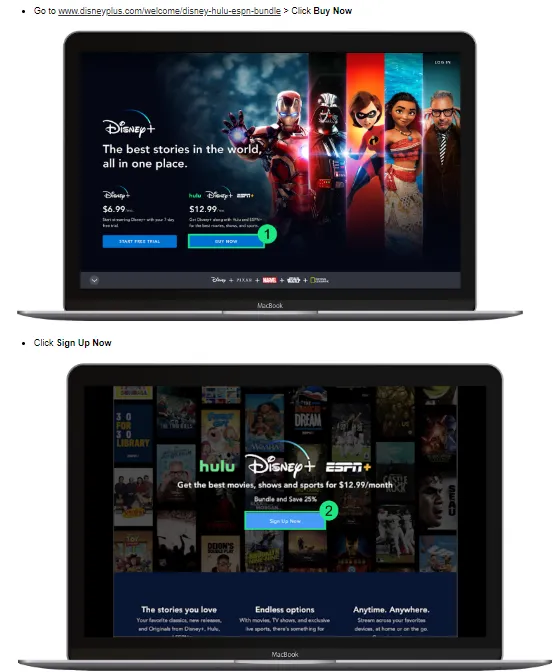
work samples included below:

  • Annotated screenshots walking through the Disney+ bundle sign-up flow step by step.
    Step-by-step visual aides
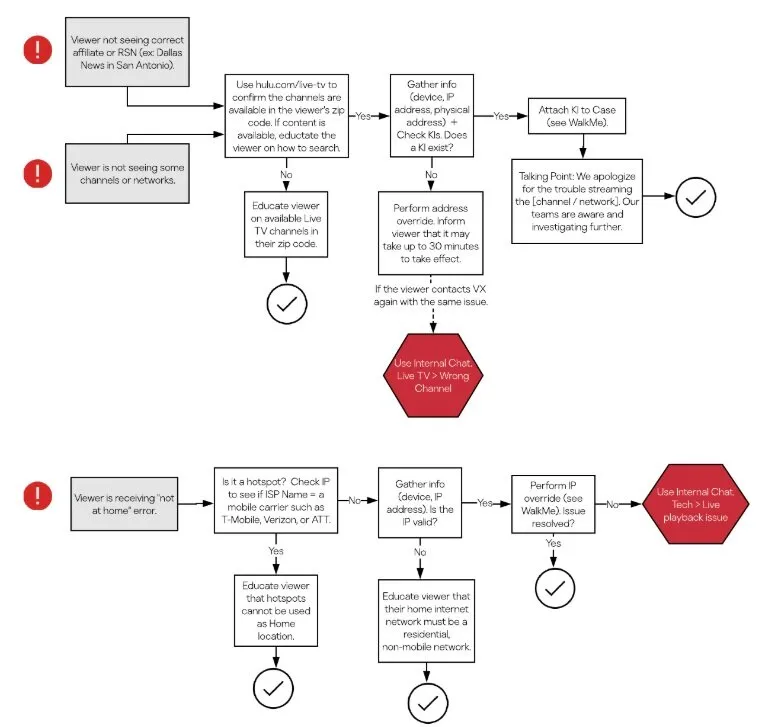
  • A branching decision tree guiding agents through a troubleshooting workflow.
    Workflow decision trees for troubleshooting
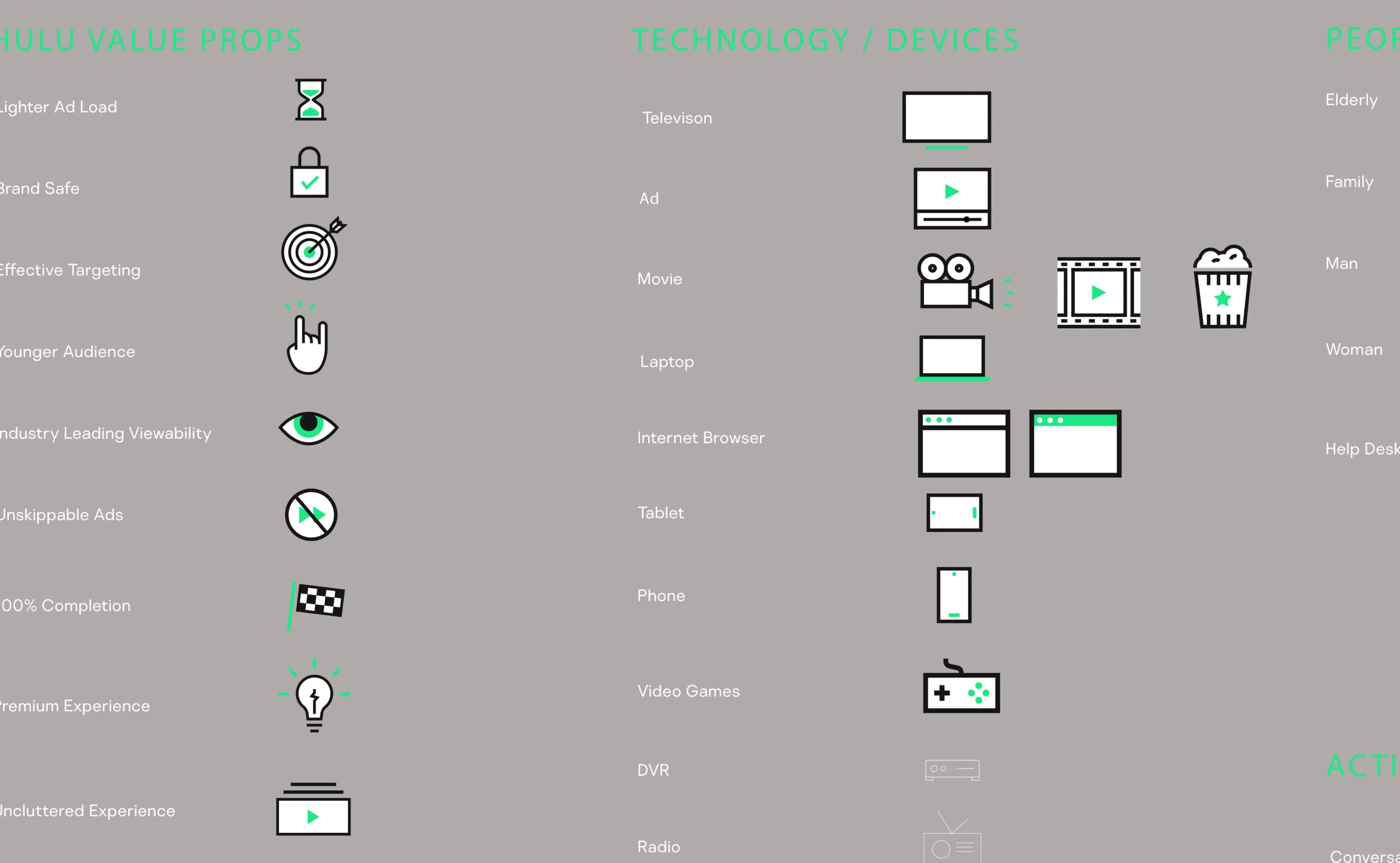
  • A kit of custom line icons covering devices, accounts, billing, and playback states.
    Custom iconography kit
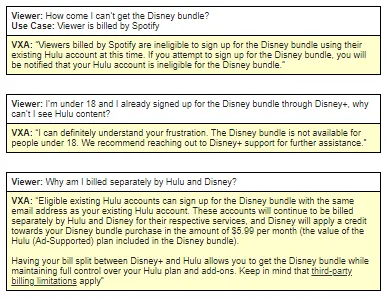
  • Suggested agent phrasing for frequent high-friction contact drivers.
    Verbiage for frequent high-friction contact drivers
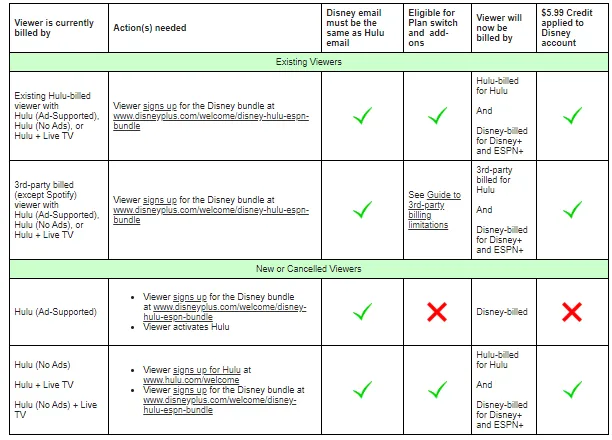
  • A simplified, unified table layout used across troubleshooting guides.
    Unified and simplified design for troubleshooting guides